
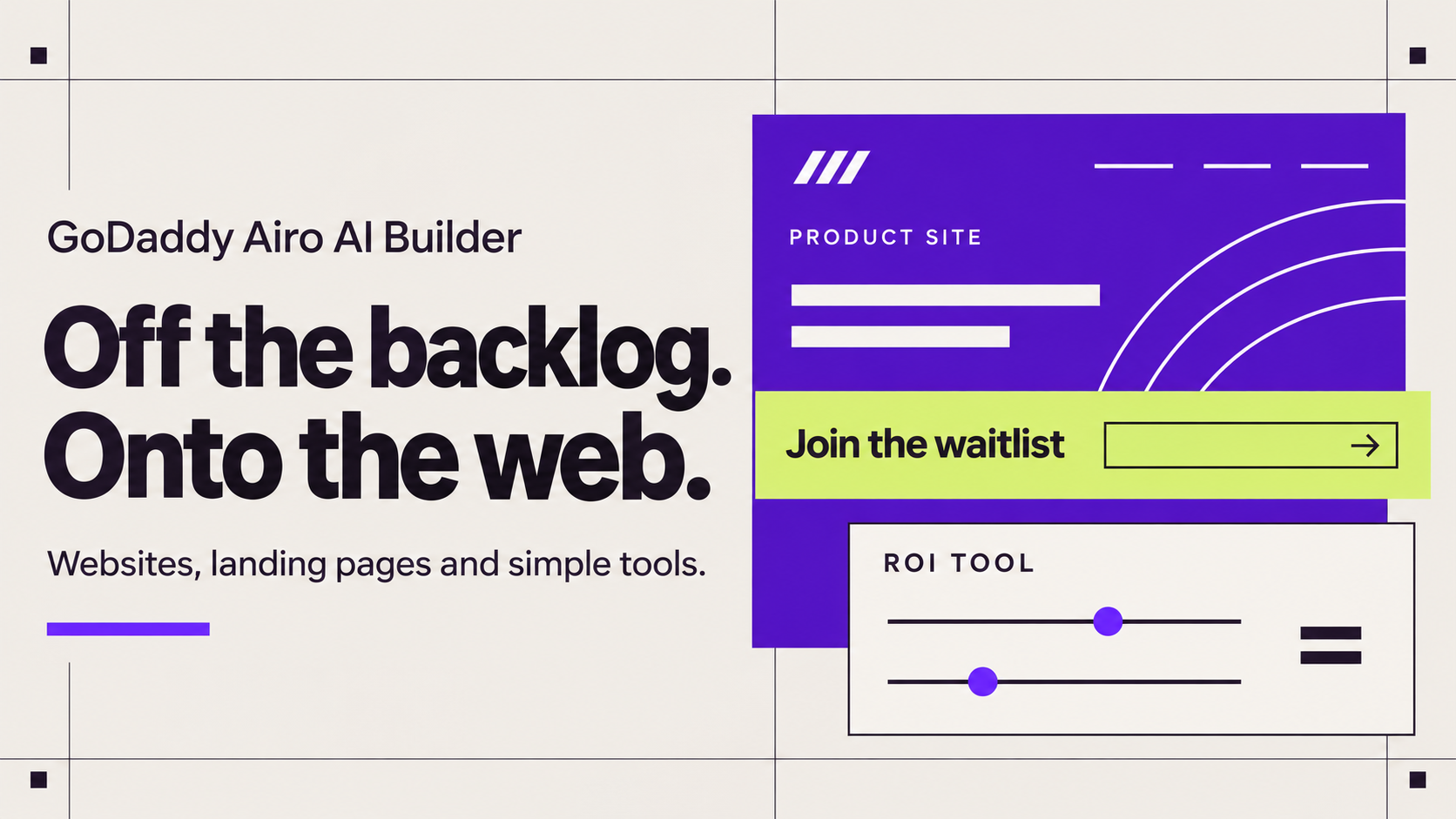
If you're building a software, SaaS or AI product, you need a SaaS website that explains it, collects signups and books demos, and you need it before your engineers can spare a sprint. You can get there by building the public-facing layer of your business in GoDaddy Airo AI Builder, describing it in your own words, while your product app stays on the stack it already runs on.
That public-facing layer covers your product website, landing pages, a waitlist, a demo request flow and simple tools like an ROI calculator. Every hour your engineers don't spend on it is an hour back on the product.
This guide shows you how to split the site from the product, build your SaaS website in six steps, add simple tools that help buyers say yes and keep testing new pages without waiting on engineering.
Try GoDaddy Airo AI Builder. Building is free with 50 free AI credits per month, no credit card required. Publishing on your own domain requires a paid plan.
Split the product from the site that sells it
A SaaS website is the public site that explains your software, shows pricing and proof, and turns visitors into signups, trials or demo requests. It's separate from the product app your customers log in to.
That split is the key decision. The site needs to change often, so a founder should be able to edit it. The product needs your engineers, your architecture and your release process.
Here's a quick way to decide where each piece belongs:
| What you need | Its job | Where to build it |
|---|---|---|
| Product website (home, features, pricing, about) | Explain what you do and who it's for | Airo AI Builder |
| Landing pages for each audience or campaign | Match the message to the visitor | Airo AI Builder |
| Waitlist and demo request pages | Turn interest into a contact you can follow up with | Airo AI Builder |
| Simple tools like an ROI calculator or readiness checklist | Help a buyer see the value before a call | Airo AI Builder |
| Your product app (customer accounts, core features, customer data) | Deliver the product people pay for | Your own stack |
| Subscription billing | Charge customers every month or year | Your existing billing provider |
| Compliance certifications and uptime commitments | Answer procurement and IT questions | Your own processes and vendors |
Be honest with yourself about the last three rows. Airo AI Builder's built-in store tools don't support recurring payments or subscriptions yet, so your pricing page should send buyers to the signup or checkout flow your product already uses. Only show compliance badges and uptime promises your company actually holds.
Then make the handoff clear. Point your site's Log in and Start free trial buttons to wherever your product runs today.
Build your SaaS website in 6 steps with Airo AI Builder
Now that you know what belongs on the site, let's build it.
1. Gather what you already have
You've probably written most of your website already. It's sitting in your pitch deck, a product one-pager, sales emails and notes from your last ten buyer calls.
Collect those first. Airo AI Builder lets you attach documents like a deck, PDF or doc, share a reference site whose structure you like, or use voice prompting if you think faster out loud.
Pro tip: If you'd rather not start from a blank prompt, pick a guided starting point from Website Templates and personalise it in chat. Outgrown an existing site? Paste its URL into Rebuild to use it as the starting point for a new site.
2. Describe the buyer, the problem and one action
Write your first prompt the way you'd pitch the product to a friend. Name who it's for, the problem it solves and the one thing you want a visitor to do.
Say you're launching Tallyhop, a made-up time-tracking app for agencies. A strong first prompt might be:
"Build a product website for Tallyhop, a time-tracking app for agencies with 5 to 30 people. The buyer is the agency owner who loses billable hours to messy timesheets. Include a homepage with one clear headline and a Join the waitlist button, a features page, a pricing page with three plans, an FAQ and a page where visitors can request a demo. Use a clean, modern look in navy and lime green."
The buyer, the pain and the primary action do most of the work here. Design instructions matter less than getting those details specific.
3. Refine the preview in chat or Edit mode
Review the preview the way a sceptical buyer would. Does the headline say what Tallyhop does in one read? Is the next step obvious?
Use chat for structural changes, like "add a section comparing manual timesheets to Tallyhop" or "move pricing above the FAQ." Use Edit mode to click on text or an image and change it directly.
Previewing a build you've already generated and making direct text and image edits in Edit mode don't use AI credits. Save your credits for the bigger changes, and expect a few rounds. Multi-step builds are normal. For more habits like these, see how to make your AI credits go further.
4. Add a waitlist and a demo request path
Most early-stage SaaS sites need two ways to capture interest: a waitlist for people who aren't ready yet and a demo request for people who are.
Ask for a waitlist signup form on the homepage and a demo request form on its own page. Messages from your site's contact forms and website chat land in the Inbox tab inside Airo AI Builder, where you can reply directly or from the notification email. Before you share the link, submit a test signup yourself and confirm where it lands.
Your website chat answers visitor questions using your published content. Put pricing, setup and support answers in visible text on the page, and republish after you change them, so the chat has the current details to work from. Sort each conversation as Unresolved, Waiting on customer or Resolved so no demo request slips through.
Want prospects to pick a time instead? Ask for appointment booking. Visitors choose a date and time for a one-on-one session, and virtual sessions are supported.
You get email notifications for bookings, reschedules and cancellations, and booking is available on all paid plans. It's built for one-on-one appointments and doesn't take payment when someone books.
5. Connect your domain and publish
When the site is ready, publish it on your own domain. Publishing requires a paid plan, and domain setup doesn't use AI credits.
If your domain is with GoDaddy in the same account as your Airo AI Builder plan, connect it from the Domain tab and the DNS changes happen automatically. Using a domain held somewhere else? See the domain question in the FAQs below, or follow how to connect a custom domain to your Airo AI Builder site.
6. Turn on search basics and watch what visitors do
SEO and AEO setup is applied at build, so your site is search-ready from day one. AEO (answer engine optimisation) means structuring your pages so they're easier for AI search tools to understand and cite.
After you publish, connect Google Search Console from the Connectors tab to see how people find you. You can automate ongoing SEO and AI visibility reviews so your site stays optimised week to week or month to month. Automation runs use AI credits, so schedule only the ones you'll act on.
Pre-built automations also include a Security Scan and an Accessibility review against WCAG 2.1 AA guidance. You can save your own prompts as custom automations too, like a monthly check that your pricing page matches your current plans. Run them on demand or on a daily, weekly, monthly or one-time schedule, then review the results before you change anything. If your credits run out, scheduled runs pause until you add credits or upgrade.
Built-in analytics show visitor activity. Starter includes simple analytics, and Professional adds advanced analytics, which helps when you want to see where your signups come from.
Add simple web tools that help buyers say yes
Software buyers like to check the maths before they take a call. A small interactive tool on your site can do part of the selling for you.
Airo AI Builder builds web apps and simple tools as well as pages. These fit an early-stage SaaS site:
- ROI calculator: Visitors enter a few numbers, like team size or hours spent on a task, and see an estimate based on rules you describe.
- Readiness checklist: Visitors answer a short set of questions and get a result that points them to the right plan or next step.
- Demo booking page: Prospects pick a time for a one-on-one call instead of trading emails.
- Feature changelog: You post what's new, so buyers and investors can see the product moving.
If a tool needs to save entries, like changelog posts or form submissions, see how databases work in Airo AI Builder.
Write the calculation rules the way you'd explain them on a whiteboard. For Tallyhop, that might be "multiply team size by hours lost per week by average hourly rate, then show the yearly total." Label every result as an estimate, and test it with real numbers before you publish.
Building an AI startup? You can add an AI feature to a tool on your site by connecting a third-party AI provider with your own API key. That provider bills its usage through your account with them, separate from your Airo AI Builder credits.
Keep each tool small and focused. Each AI-generated build or major revision uses credits, and a tool with several screens will take more than one round.
Airo AI Builder catches certain technical errors during the build, so you don't pay for them. Leave the heavy logic to your product.
See what software and AI founders have built
Here's what a few software and AI businesses have built with Airo AI Builder, in their own words where they shared feedback.
An ROI calculator for a health tech product
The team behind novapix.com built an ROI calculator as part of their site for NOVA Connect, text-message patient engagement software for rural health programmes. Their public homepage gives each audience its own section and uses a workflow diagram to show how the product moves from patients to dashboards.
A one-person AI consultancy
gc4nextgenaiengineering.ai is a solo AI visibility consultancy and AI team training business in Nashville. Its site has a service menu, training offers, a three-step how-it-works section and a founder bio. Here's what the owner said:
"Better than I thought! fast and easy. Fed Airo prompts and made it happen!"
Building a services site like this one? Watch How to Build a Consultancy Website in Minutes.
A computer-vision app for technicians
padproofapp.com presents a computer-vision app that measures brake pad thickness for technicians. The site shows a live reading mockup and explains the app's PDF report feature. The team behind it put it simply:
"This AI builder did all the right things."
An enterprise AI software company on a deadline
cortaveai.com sells enterprise AI gateway software for observability, governance and AI cost control. Its site includes a live-traffic dashboard mockup, a provider logo carousel and a five-part framework for the problems the product solves. From the team behind it:
"This is honestly an incredible tool."
"I was in a jam with our other website provider and needed to port our entire site over in 3 days. With AIRO i got it done in less than an hour."
Individual results vary.
Moving an existing site yourself? Rebuild uses your current URL as the starting point for a new site. It doesn't copy settings over automatically, so plan time to review each page. Read how to rebuild a website without starting over or watch a short demo.
Test new landing pages without waiting on engineering
Your first site won't be your last. As you learn which buyers respond, you'll want pages that speak to each of them.
Here's how to keep iterating without a dev sprint:
- Create one page per audience. Ask for a landing page for each buyer type, like agency owners and freelancers, each with its own headline and proof.
- Send each campaign to its own page. Use a separate landing page for each email, ad or launch post, then compare which one brings in more signups.
- Plan a launch as a marketing campaign. Shipping a feature or opening your beta? Describe it in chat, and Airo AI Builder can create a campaign plan with content for a landing page, blog posts and social posts. Everything starts as a draft you review and edit, and you can post to Facebook and Instagram from the builder.
- Connect the tools your team already uses. From the Connectors tab or in chat, you can connect accounts like Notion, Figma, Slack, Discord and Mailchimp, so Airo AI Builder can work with them as you build. If your waitlist lives in Mailchimp, the emails still go out from Mailchimp. Each connector supports particular information and actions, so check what each connector can do before you plan around it.
- Queue your changes. Stack several prompts while Airo AI Builder works, or submit a build, close the tab and come back to it later.
- Bring in a teammate. On Professional and Ultimate plans, you can invite a collaborator with scoped permissions.
Planning several separate sites or tools? Check your plan first. Starter includes one published site, and higher plans allow more.
When your engineers are ready to take over part of the site, they can. The code is yours to keep. Download it anytime. Code download is included with paid plans.
On the Ultimate plan, you can build and refine in GoDaddy Airo AI Builder, or work in your own IDE. Connect your GitHub repo and use Sync Now to push or pull changes on demand.
Related: How to build a small business website in minutes with Airo AI Builder
Frequently Asked Questions
Can I take subscription payments on my SaaS website?
Not through Airo AI Builder's built-in store tools today, since recurring payments and subscriptions aren't supported yet. Airo AI Builder can build a pricing page that shows your plans and features. Link each plan's button to the signup or checkout flow your product already uses, so billing stays with your existing provider.
How much does it cost to build a SaaS website with Airo AI Builder?
You can start building for free with 50 free AI credits per month, and no credit card is required. Publishing on your own domain requires a paid plan, and paid plans include hosting and a database. No hosting fees, no runtime charges. Just your plan. Plan credits reset each billing cycle and don't roll over, and you can check your balance in Manage My Plan.
Can my developers take over the code later?
Yes. On any paid plan, your team can download the full code and work with it in their own tools. If your team works in GitHub, the Ultimate plan lets you connect a repo and use Sync Now to push or pull changes on demand. Syncing is manual, so nothing changes until someone clicks Sync Now.
Do I need to know how to code to build a SaaS landing page?
No. Go live today, no code or developers required. You describe the page in your own words and refine it in chat or Edit mode. There's a short learning curve, mostly in learning to write specific prompts, and an inline code editor is there if you want it.
How long does it take to build a SaaS landing page?
A simple landing page can go from idea to live in minutes, not months, once you have a paid plan to publish. A full product site with a waitlist, demo booking and a calculator usually takes a few working sessions of prompts and review. The biggest time saver is walking in with your buyer, problem and primary action already written down.
Can I use a domain I already own?
Yes. If the domain is with GoDaddy in the same account as your Airo AI Builder plan, the DNS changes happen automatically. A GoDaddy domain in a different account needs an ownership check first, then the changes are applied automatically. Some other registrars can connect automatically after a few confirmation steps, while others need manual records, and DNS updates can take up to 48 hours with some providers. The domain connection Help steps cover each case.
Start building your SaaS website with Airo AI Builder
Your product deserves a site that explains it as clearly as you do on a demo call. Write down your buyer, their problem and the one action you want them to take, then describe it to Airo AI Builder and refine the first version today. If you get stuck, there's GoDaddy's award-winning support, 24/7 phone, chat, and text in the US.
For more ideas, see the Airo AI Builder for SaaS page or browse AI business ideas you can build.
Try GoDaddy Airo AI Builder. Building is free with 50 free AI credits per month, no credit card required. Publishing on your own domain requires a paid plan.