
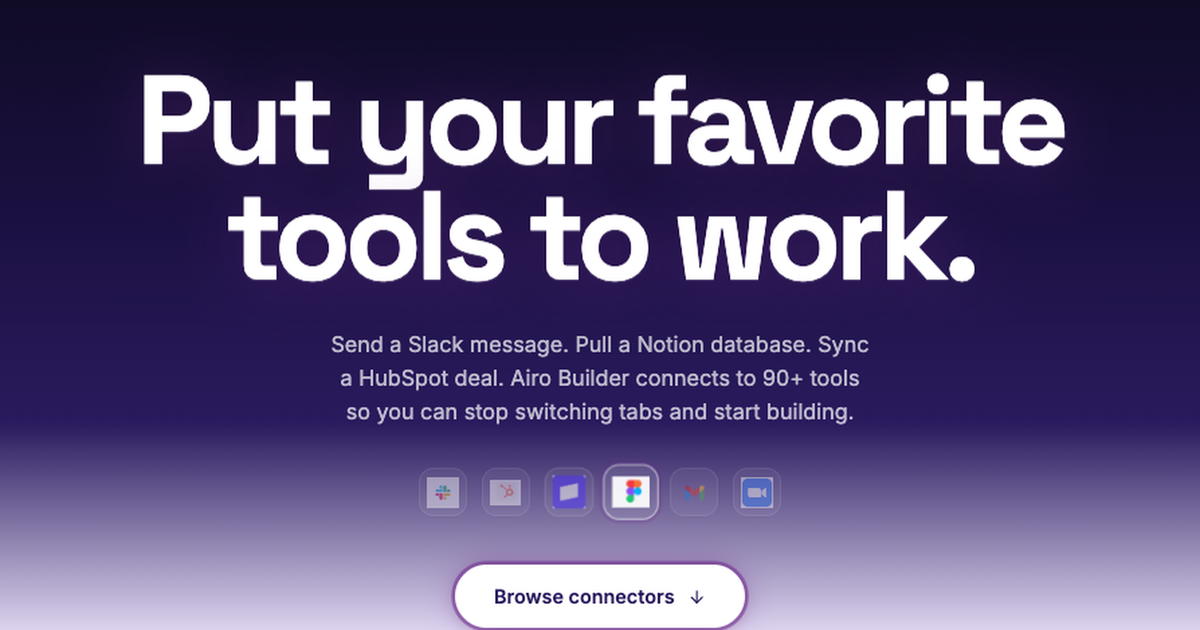
What are connectors? Connectors are integrations that let GoDaddy Airo AI Builder work with outside tools while you build your website or app. Your plans may live in Notion, your audience in Mailchimp, your community on Facebook, Instagram, or Patreon, and your day-to-day work across Google. Connectors help bring those tools closer to your build instead of copying details between tabs.
You can connect tools in Airo AI Builder today. Some use a one-click sign-in (auto connectors). Others use your own login details (manual connectors). The difference is how you connect them, not whether you can use them.
Try Airo AI Builder free with 50 free AI credits to start. A paid plan is required to publish live.
In this article
- Who this is for
- Auto vs manual connectors
- Popular auto connectors
- What to expect when you connect
- How to connect a tool
- Frequently asked questions
- Key takeaways
Who this is for
- You run a business across several tools and want them closer to your site or app build
- You use Notion, Mailchimp, Google, or social platforms and want that context while you work in Airo AI Builder
- You want to connect auto connectors from the Connectors tab or manual connectors by asking the agent in chat
- You are comparing one-click auto connectors with manual connections listed in the connector library
Auto vs manual connectors
| Auto connectors | Manual connectors | |
|---|---|---|
| How you connect | One-click sign-in | You add your own login details |
| Where you connect | Connectors tab in your app | Agent in chat |
| Setup | Airo AI Builder handles the rest | You control the link yourself |
| Examples | Facebook, Instagram, Google, Notion, Mailchimp, Patreon | Many more tools in the connector library |
| Available today? | Yes | Yes |
Both types are available now. Auto connectors live in the Connectors tab. For manual connectors, browse the connector library and ask the agent to set up the integration.
Once connected, you can use the information and actions available through that service while you work in the builder. Depending on the platform, that may include reading content, working with campaigns, looking up details from your connected account, or updating information the connector supports.
Building a useful website takes more than page copy. It takes current information: the right audience for a promotion, social context for a launch, or membership details that shape what you publish. Connectors reduce the busywork of hunting for that context across tabs.
Popular auto connectors
These options connect automatically with a one-click sign-in. Here is how each one can support the way you already work.
For many local businesses and creators, Facebook is still where customers discover updates, events, and offers. Connecting Facebook helps keep that presence closer to the site or app you are building.
Instagram is often where your brand shows up day to day. With Instagram connected, you can keep that channel closer to your build instead of treating your site and social presence as two unrelated projects.
Many businesses already run key parts of their work through Google. Connecting Google helps bring that context into Airo AI Builder alongside your website or app. What you can do depends on your Google account and the connector.
Notion
Notion is where many businesses organize website copy, launch plans, content calendars, research, and internal notes. With a Notion connection, you can reference pages, blocks, and databases while planning a project instead of rebuilding your plan from memory.
Mailchimp
Your website and email campaigns should support the same goal. With Mailchimp connected, you can work with audiences, campaigns, and related email context as part of your wider project. Pair this with Marketing Campaigns with Airo when you are ready to plan and launch promotions from the same builder.
Patreon
Creators often run membership, posts, and community on Patreon while their public site lives somewhere else. Connecting Patreon helps bring that membership context closer to the site or app you are building.
What to expect when you connect
Connectors are built to support specific tasks while you work in Airo AI Builder.
When you connect a service, you sign in through that platform's connection process. Auto connectors start from the Connectors tab. Manual connectors start when you ask the agent in chat to integrate the tool. You remain in control of which services you connect and what you ask Airo AI Builder to do with them.
A connection does not automatically turn every outside tool into a public feature on your website. It gives you a more direct way to use supported information and actions while you work in the builder. Your business tools can help inform the work without exposing private data to site visitors.
How to connect a tool
- Open your site or app in Airo AI Builder.
- Connect using the path that matches the connector type:
- Auto connectors: Open the Connectors tab in your app, pick a tool, and sign in.
- Manual connectors: Ask the agent in chat to integrate the tool you need (for example, "Integrate Stripe" or "Connect my Shopify store").
- Use the connected information while you build.
Looking for a specific tool? Auto connectors are in the Connectors tab. Manual options are listed in the connector library; ask the agent in chat to connect them.
Frequently asked questions
What is the difference between auto and manual connectors in Airo AI Builder?
Both are available to use today. The difference is how you connect them, not whether you can use them.
Auto connectors are one-click integrations. You sign in once and Airo AI Builder handles the rest. No extra setup required. Facebook, Instagram, Google, Notion, Mailchimp, and Patreon are examples.
Manual connectors are connections where you supply your own login details. They work with any service that offers a direct connection, and you control the link yourself. The Connectors tab lists auto connectors only. For manual connectors, browse the connector library and ask the agent in chat to set up the integration.
What connectors are available in Airo AI Builder right now?
Auto and manual connectors are both available today. Facebook, Instagram, Google, Notion, Mailchimp, and Patreon are auto connectors in the Connectors tab. The connector library lists many more manual options you connect through chat.
How do I connect a tool?
It depends on the connector type. For auto connectors, open the Connectors tab in your app, pick a tool, and sign in. For manual connectors, ask the agent in chat to integrate the tool for you.
Do I need a paid plan to use connectors?
Plan requirements can vary by feature. Check what is available on your plan in Airo AI Builder, or review Manage My Plan.
Can I connect more than one tool?
Yes. You can connect multiple supported services and use them as needed while you build.
Are more connectors coming?
Yes. More connectors are rolling out over time. Share what you want next in the Airo AI Builder Discord.
Key takeaways
- Connectors link outside tools to Airo AI Builder while you build your site or app.
- Auto and manual connectors are both available today. Auto uses one-click sign-in; manual uses your own login details.
- Connect auto connectors from the Connectors tab. Connect manual connectors by asking the agent in chat.
- Facebook, Instagram, Google, Notion, Mailchimp, and Patreon are popular auto connectors. Many more tools are in the connector library.
- A connection helps you work with tool context in the builder. It does not automatically publish private business data to your live site.
Start building with Airo AI Builder with 50 free AI credits to start.
Join builders in the Airo AI Builder Discord to share what you are shipping and ask questions.