
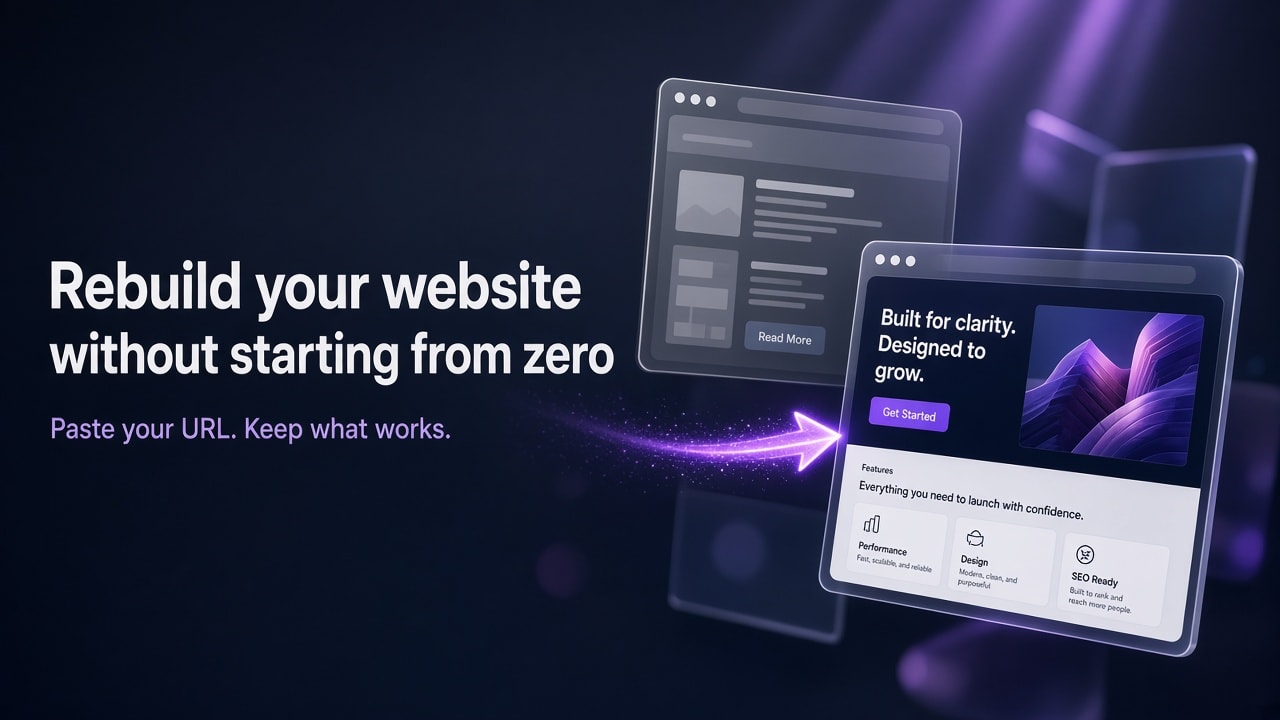
Try GoDaddy Airo AI Builder with 50 free credits to start. No credit card required. Paste your current site's URL, preview the rebuild, and publish when you're ready.
If your website still works but looks dated and is a chore to update, you don't have to start over from a blank page. To rebuild it, paste its URL into Airo AI Builder, choose a similar look or a fresh redesign, then refine the new version and publish it when it's ready.
Plenty of owners start this way.
Afterwards, you'll decide what to keep, see what carries over and what you'll set up again, and follow five steps with prompts you can copy. If you can't use your URL, there's a path for that too.
List what to keep before you paste your URL
A short prep list gets your first version closer to what you want. Open your current site and note these:
- Pages that bring in business: the pages people use to call, book, or buy. For Juniper Hair Studio, that's Services, Prices, and Contact.
- Details that have changed: current hours, prices, services, staff, and service area. The rebuild starts from what's published on your old site, including anything out of date.
- Your logo and the photos you want to keep: save copies so you can attach or swap them later.
- Reviews you want to keep: copy the text of any testimonials you want on the new site.
- Tools your site connects to: booking widgets, payment buttons, contact forms, email signups, and social feeds.
- Your domain login: know where your domain is registered and how to sign in.
- Your most-visited page addresses: if you use an analytics tool, note which pages get the most visits so you can confirm they exist on the new site.
Know what carries over and what you'll set up again
Airo AI Builder uses your existing content and branding as a guide, so the result is a fresh design rather than an exact copy. Here's what to expect from each part of your site.
| Part of your site | What the rebuild does | What you do |
|---|---|---|
| Text and page structure | Uses your published content as the starting point for new pages | Check every page for accuracy and fill in anything missing |
| Logo, images, colors, and fonts | Lets you choose which of these to keep from your current site | Swap in your own photos where needed |
| Overall design | Keeps a similar look or creates a fresh redesign, your choice | Refine the layout and style with prompts |
| Blog post archive | Doesn't bring over your full archive of posts | Add your most important posts first, then the rest over time |
| Online store catalog and settings | Doesn't move products or store settings | Describe your store and products to build them in Airo AI Builder |
| Payments, booking tools, and other integrations | Aren't carried over | Reconnect them after the rebuild |
Related: How to Rebuild Your WordPress Site Design in Airo AI Builder
Rebuild your website in Airo AI Builder, step by step
The examples below use Juniper Hair Studio, a salon with a dated site at coolexample.com. Swap in your own business and URL.
1. Start a rebuild from your current site's URL
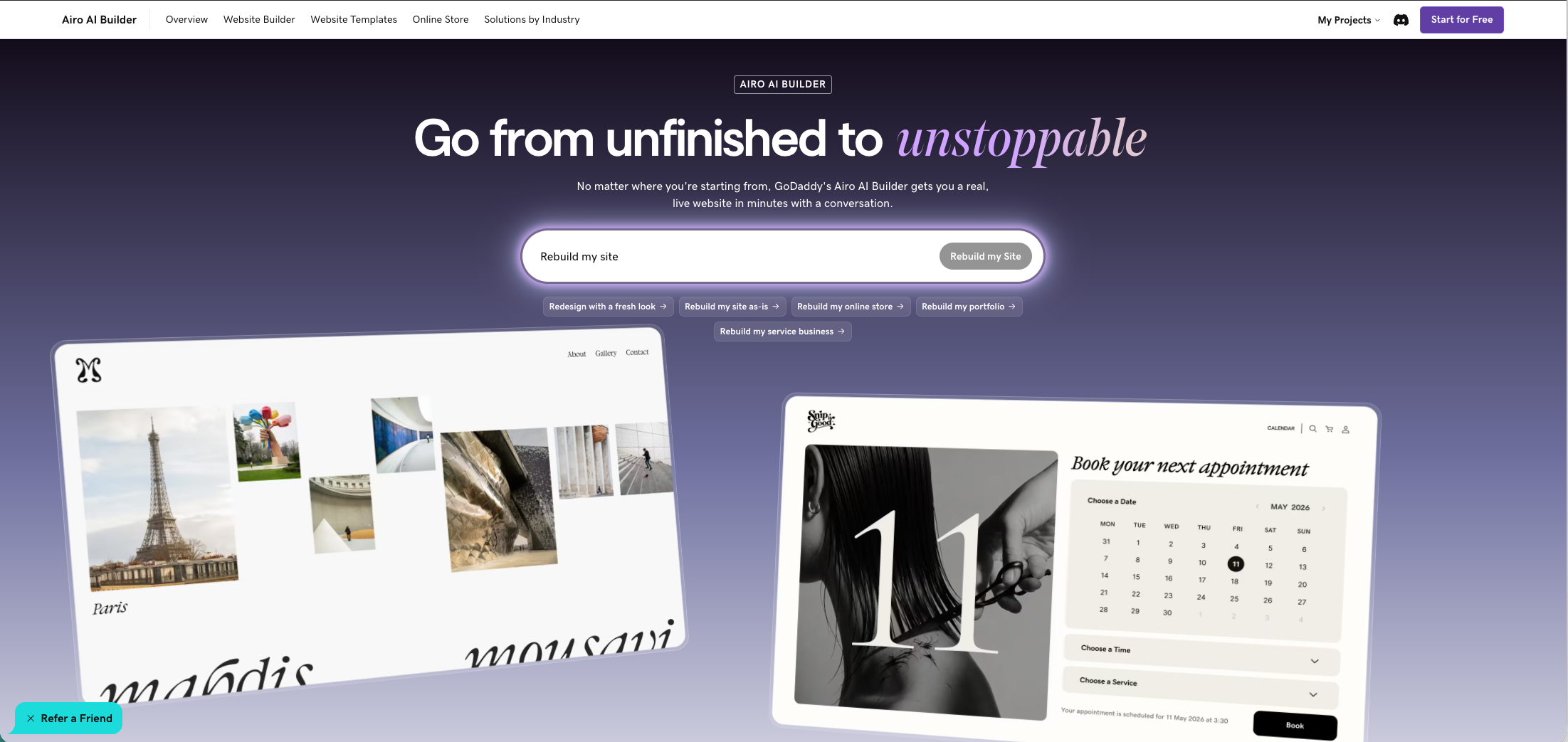
Open GoDaddy Airo AI Builder and choose the option to rebuild your site, or type "Rebuild my site" with your URL in your first message. Enter your current site's address, such as https://www.coolexample.com.
Then choose whether to keep a similar look or get a fresh redesign built from the same content. A similar look suits a site regular customers already know. You can also choose whether to keep your logo, images, colors, and fonts.
Only rebuild a site you own or have permission to use, since the new site reuses its text, images, and branding. If you type your request instead, a first message can look like this:
Rebuild my site: https://www.coolexample.com. Keep my logo and colors, but make it cleaner and easier to use on a phone.
Related: Rebuild or redesign my website in Airo AI Builder (GoDaddy Help)
2. Tell Airo AI Builder what has changed since you built the old site
Your old site probably has a few stale details. Add the corrections to your first message or the optional details field so the first version starts accurate. You can also paste screenshots of your current site to guide the design.
Our hours are now Tuesday to Saturday, 9am to 7pm. We added balayage and keratin treatments. Remove the Specials page, it's out of date. Put a "Call to book" button at the top of every page.
3. Review the first version page by page
Treat the first version as a draft to refine. Here's how the owner of frankwatsonphotos.co.uk described building with Airo AI Builder: "The suggested web design was very good straight out of the bat; the AI assistant was helpful and easy to use; and navigating the site was intuitive."
Before you change anything, check that:
- Every page on your prep list is there
- Hours, prices, phone number, and address are correct
- Your logo, colors, and photos look right
- The main button on each page leads somewhere useful
- Old promotions and former staff are gone
If a whole page is missing, ask for it in one prompt before you tweak details, such as "Add a Prices page using the price list I'm pasting below."
4. Refine one change at a time with prompts or Edit mode
Use chat for structural or multi-section changes and Edit mode for direct text and image edits on the page. One clear request per prompt gives Airo AI Builder less to guess.
| What you want to fix | Prompt to copy |
|---|---|
| Navigation | "Simplify the menu to Home, Services, Prices, About, and Contact. Put the phone number in the header." |
| Phone layout | "Make the homepage easier to use on a phone. Stack the service cards and make the call button full width." |
| Reviews | "Add a reviews section to the homepage using the three reviews I'm pasting below." |
| Visual style | "Use warmer colors and a more modern font for headings, but keep my logo as it is." |
| Second language | "Add a language toggle so visitors can switch between English and Spanish." |
| Contact form | "Add a contact form to the Contact page so messages land in my Inbox." |
A long-time site builder at broncepamotorworks.com said: "I was very dependent on Website Builder and have made countless sites using it. ... I was able to have Airo build a great site, edit almost everything, and even added a English / Espanol button ..."
Pro tip: Direct text and image edits in Airo AI Builder's Edit mode don't use AI credits, while changes you ask for in chat do. Use Edit mode for quick fixes like a new phone number or a fresh photo, and save prompts for bigger changes.
Related: How to Customize an Airo AI Builder Site After the Initial Build
5. Publish and connect your domain when the new site is ready
Building and previewing are free with 50 AI credits, and you don't need a credit card to start. When you're happy with the preview, choose a paid plan and publish. You can connect your custom domain as you publish or afterward.
Before you switch your domain over, open the most-visited pages from your prep list on the new site and confirm each one is there and correct.
Related: How to Connect a Custom Domain to Your Airo AI Builder Site
Start from files or a description if you can't use your URL
Sometimes a URL rebuild isn't the right fit. The old site might be offline, sit behind a login, or be so custom that you'd rather start from its content.
In that case, attach files to your first prompt: a doc with your services, an image of your old homepage, HTML files, or a zip of your old site. You can add a reference image or URL for a look you like, or simply describe what you do, who you serve, and which pages you need.
Here's a first prompt that starts from files:
I've attached the HTML files from our old site and a doc with our current services and prices. Build a new site for Juniper Hair Studio, a salon in Portland, using this content. Pages: Home, Services, Prices, About, and Contact. Keep the green and cream colors from the old site.
And one that starts from a description:
Build a website for Juniper Hair Studio, a hair salon in downtown Portland. We offer cuts, color, balayage, and keratin treatments. I need a homepage with a "Call to book" button, a Services page, a Prices page, an About page with our team, and a Contact page with our hours.
Frequently Asked Questions
Will rebuilding my website hurt my SEO?
It depends mostly on whether the new site keeps the content and pages people already find you through. Make sure the pages from your prep list exist on the new site with the same key information, and keep their titles and wording close where they already perform well. Airo AI Builder includes SEO and AEO (optimisation for AI answer engines) support, and you can ask it to improve page titles and descriptions after the rebuild.
Related: How to Get Your Website Found on Google with Airo AI Builder
How much does it cost to rebuild a website with Airo AI Builder?
You can rebuild and preview your site free with 50 AI credits, and no credit card is required. To publish the new site, you need a paid plan: Starter, Professional, or Ultimate. Every paid plan includes hosting. If you need more credits while you refine, you can buy add-on credit packs.
Will my current website go offline while I rebuild it?
No. Airo AI Builder builds your new site as a separate project and doesn't change your current site. Visitors keep seeing your existing site until you connect your domain to the new one. Keep your old plan active until the new site is live on your domain and you've checked your key pages.
Can I rebuild a website that's on Wix, Squarespace, or WordPress?
Yes. A rebuild from URL starts from your site's public web address, so you only need the address, not a login to your old platform. That also covers sites on an older website builder or a custom-coded site. You need to own the site or have permission to reuse its content.
Can I rebuild my online store the same way?
The rebuild can use your store's design and content as a guide, but your products, store settings, and payment setup don't transfer. After the rebuild, describe your store in chat to build your storefront, product pages, and checkout, then add your products. Connect GoDaddy Payments in the builder in the US and Canada, or Stripe where GoDaddy Payments isn't available.
How long does a website rebuild take?
Airo AI Builder generates your first version from your URL, and most of your time goes into reviewing and refining it. Plan for that first pass plus two or three focused follow-up prompts. A small site with current details needs fewer rounds than a large one with stale content. You can also close the tab while Airo AI Builder works and come back when the build is done.
Can I keep my current domain name?
Yes. You can connect a domain you already own, whether it's registered with GoDaddy or another provider. For a domain in your GoDaddy account, the connection is set up without copying DNS settings. For a domain registered elsewhere, the Domain tab shows the DNS records (settings that point your domain to your site) to add at your provider, and changes can take up to 48 hours.
Rebuild your site from what already works
You already know your business and what your site needs to say. As the owner of breakthroughcounselling.org put it: "I built my first counselling website 6 years ago. It took me hours of hard work. Today with Airo builder, it took a fraction of that time."
Individual results vary and depend on the size of your site and how much you change.
Paste your current site's URL into GoDaddy Airo AI Builder and preview your rebuild free with 50 AI credits. Start your rebuild in Airo AI Builder