
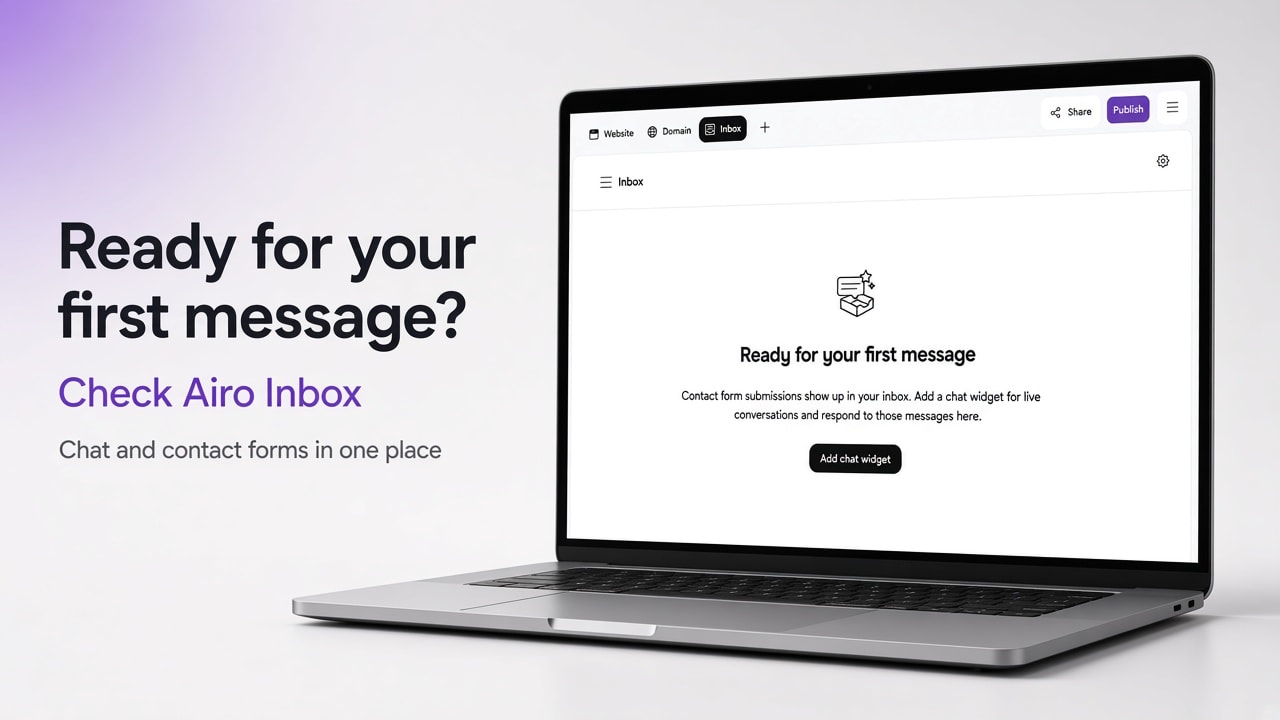
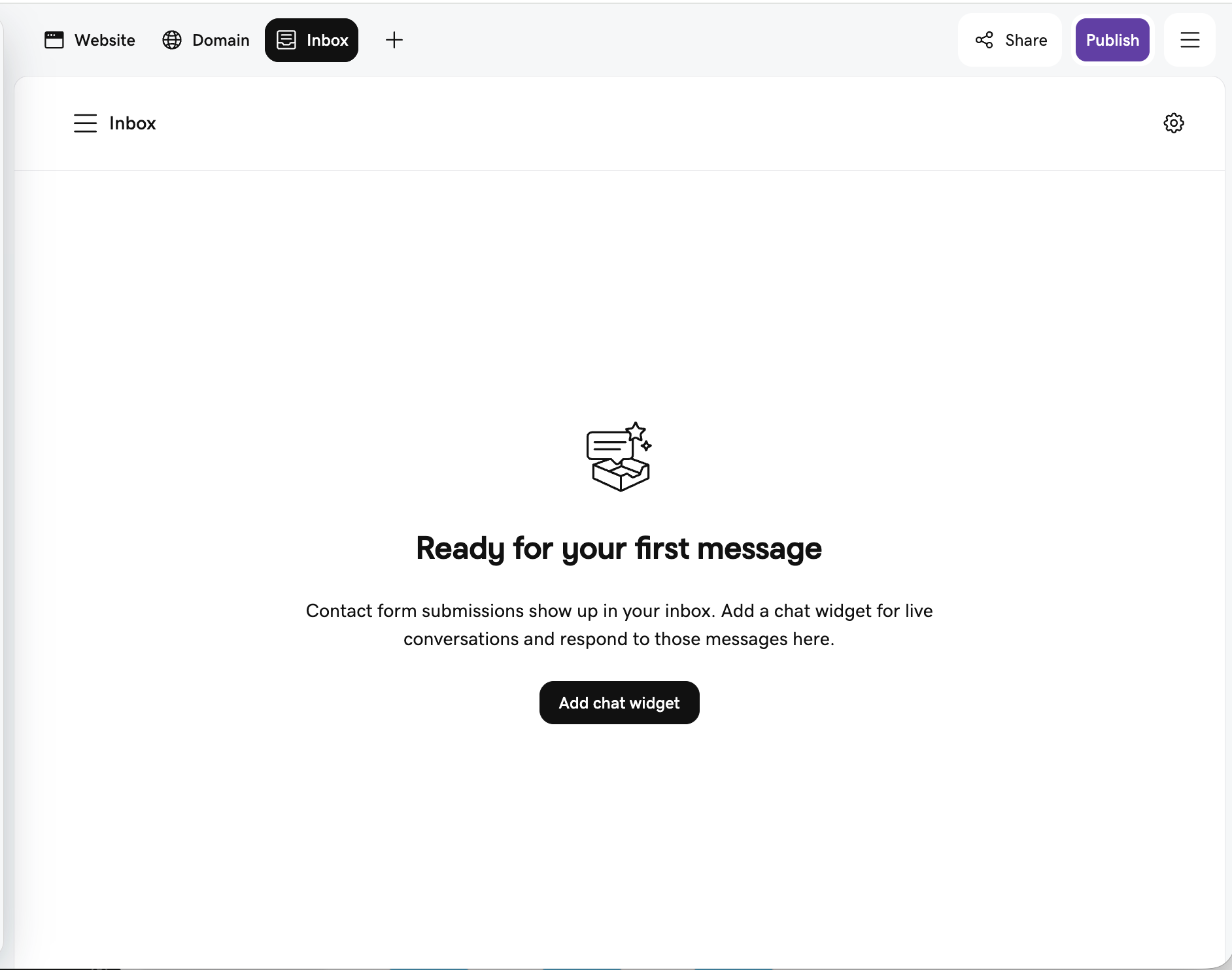
What is Airo Inbox? Airo Inbox is the message hub inside GoDaddy Airo AI Builder. It collects chat widget conversations and contact-form submissions in one place, sends you a notification directly in your builder or through an email when someone writes in, and lets you reply from Airo or from that email.
Think of Airo as more than just your website or app builder, it's your assistant that helps you run all aspects of your business and organizes all your conversations in one place that is Airo Inbox.
A useful website does more than look good. It gives visitors a clear way to reach you when they are ready. Inbox is how that conversation stays next to the site you already build and run.
Try Airo AI Builder free 50 free AI credits to start. A paid plan is required to publish live.
In this article
- Who this is for
- How Inbox fits together
- Chat for quick questions
- Contact forms for detailed requests
- Manage status in one inbox
- Why Inbox matters for your business
- Privacy and cookie consent
- How to get started
- Frequently asked questions
- Key takeaways
Who this is for
- You run a service, shop, or local business site and get questions before people book or buy
- You are tired of hunting form replies and managing multiple messaging platforms separately
- You built (or are building) with Airo AI Builder and want to see your visitor messages in your site
- You want visitors to choose chat for quick asks or a form when they have more detail to share
How Inbox fits together
| Piece | What visitors do | What you get |
|---|---|---|
| Chat widget | Ask a short question while browsing | Name, email, threaded chat, email alert |
| Contact form | Send a longer inquiry or request | Structured submission, email alert |
| Inbox tab | (you) | Full thread, status, reply in the builder |
| Email notification | (you) | Alert when a new message arrives; reply from email if you prefer |
Every Airo app includes Inbox. Messages land where you already work.
Chat for quick questions
Your audience often have a question before they commit. They may be comparing services, checking availability, asking about a product, or confirming there is a real person behind the site. Chat gives them a low-pressure way to ask.
Before a visitor starts a chat, they share their name and email. That helps you know who you are speaking with and gives you a path to follow up. When you reply, the visitor can get your response by email and see it in the inbox tab.
For a service business, a quick question can become a consultation. For a shop, a clear answer can remove hesitation between browsing and buying. For any site, it shows help is available without making people dig for a footer email.
Still shaping the site itself? Pair Inbox with a strong first build. See how to write prompts for Airo AI Builder so landing pages already answer the basics.
Contact forms for detailed requests
Not every message is a quick chat.
A contact form works better when someone needs to share more: project scope, timing, a specific request, or support details. Forms can stay simple ("Get in touch") or follow a more structured inquiry layout. When a form is submitted:
- You get an email notification
- The submission appears in your Inbox tab with your other conversations
- The visitor sees a success message
You respond with context instead of asking them to repeat themselves. Visitors get a clear send path. You get a usable lead or support thread.
After messages start coming in, use Marketing Campaigns with Airo to turn interest into a promo, landing page, and social posts from the same builder.
Manage status in one inbox
Messages can come from different parts of a site. Follow-up should not feel scattered. In Inbox you can filter by status:
| Status | What it means |
|---|---|
| Unresolved | Still needs your attention |
| Waiting on customer | You replied and are waiting on them |
| Resolved | The conversation is complete |
Reply from the Inbox tab in your builder, or reply to the email notification. Either way, the goal is the same: stay responsive without losing the thread.
Speed builds trust. A helpful reply while interest is still fresh gives you a better shot at a customer, client, subscriber, or return visit. For the workspace where Inbox lives alongside your site, brand, and domain views, see the Airo AI Builder editor upgrade.
Why Inbox matters for your business
Airo Inbox is not only a message list. It shortens the gap between "interested" and "in touch."
Your site feels active, and visitors see a clear way to ask. You can respond before interest fades. Someone may be comparing options on a short visit. A timely reply keeps the conversation open.
Opportunities are harder to miss. Email alerts tell you when someone reaches out. Inbox keeps threads organized so you can return, follow up, and see what is still open.
People can choose how they write in. Some want a quick chat answer. Others want a detailed form. Offering both meets both habits.
Communication stays close to your site. Build, review messages, and reply in one product instead of stitching together disconnected tools as you grow.
Privacy and cookie consent
The chat widget respects cookie consent. It loads only after a visitor accepts cookies through your site's cookie banner. You still offer a conversational path to people who choose to engage.
How to get started with Airo Inbox
- Build or open your app in Airo AI Builder. New apps include Inbox.
- Add a contact form or a chat widget to your site or app
- Publish when you are ready so visitors can reach a live site. Publishing requires a paid plan.
- Open the Inbox tab in the builder to review chat and form messages.
- Watch for email notifications when new messages arrive, then reply from Inbox or email.
- Use status filters so unresolved threads do not get buried.
Want the site found after it is live? See Get Your Website Found on Google. Ready for a custom address? See How to Connect a Custom Domain.
Frequently asked questions
What is Airo Inbox?
Airo Inbox is the place inside Airo AI Builder where chat conversations and contact-form submissions are saved, organized by status, and answered from the same workspace you use to manage your site.
Does every Airo AI Builder app get Inbox?
Yes. Inbox is created with every new app so customer messages land where you already work.
How do visitors contact me through Airo Inbox?
Through a chat widget for quick questions while browsing, and through contact forms for longer or more detailed messages.
Will I get notified when someone messages me?
Yes. You receive an email notification, and the message is saved in the Inbox tab in your builder.
Can I reply from email or only inside the builder?
You can reply from the Inbox tab or from the email notification.
Does the chat widget load before cookie consent?
No. The chat widget loads only after a visitor accepts cookies through the site's cookie banner.
Do I need a paid plan to use Inbox?
You can build and preview on the free plan with AI credits. Publishing a live site so visitors can reach you requires a paid plan.
Key takeaways
- Airo Inbox keeps chat and contact-form messages in one place inside Airo AI Builder.
- Email notifications alert you when someone writes in. You can reply from Inbox or email.
- Status filters (Unresolved, Waiting on customer, Resolved) help you see what still needs attention.
- Chat fits quick questions. Forms fit detailed requests. Visitors can use either.
- The chat widget loads only after cookie consent.
- New apps include Inbox. Publish when you are ready for visitors to reach a live site.
Try Airo AI Builder Build your site, then manage visitor messages in Inbox. 50 free AI credits to start. Paid plan required to publish.
Join builders in the Airo AI Builder Discord to share what you are shipping and ask questions.
Related reading
- Airo AI Builder Product Update: August 2026
- Marketing Campaigns with Airo
- Airo AI Builder editor upgrade (July 2026)
- Get Your Website Found on Google
- How to Connect a Custom Domain
Confirm Inbox status labels and notification behavior in product before publish. Feature details can change by plan and release.