
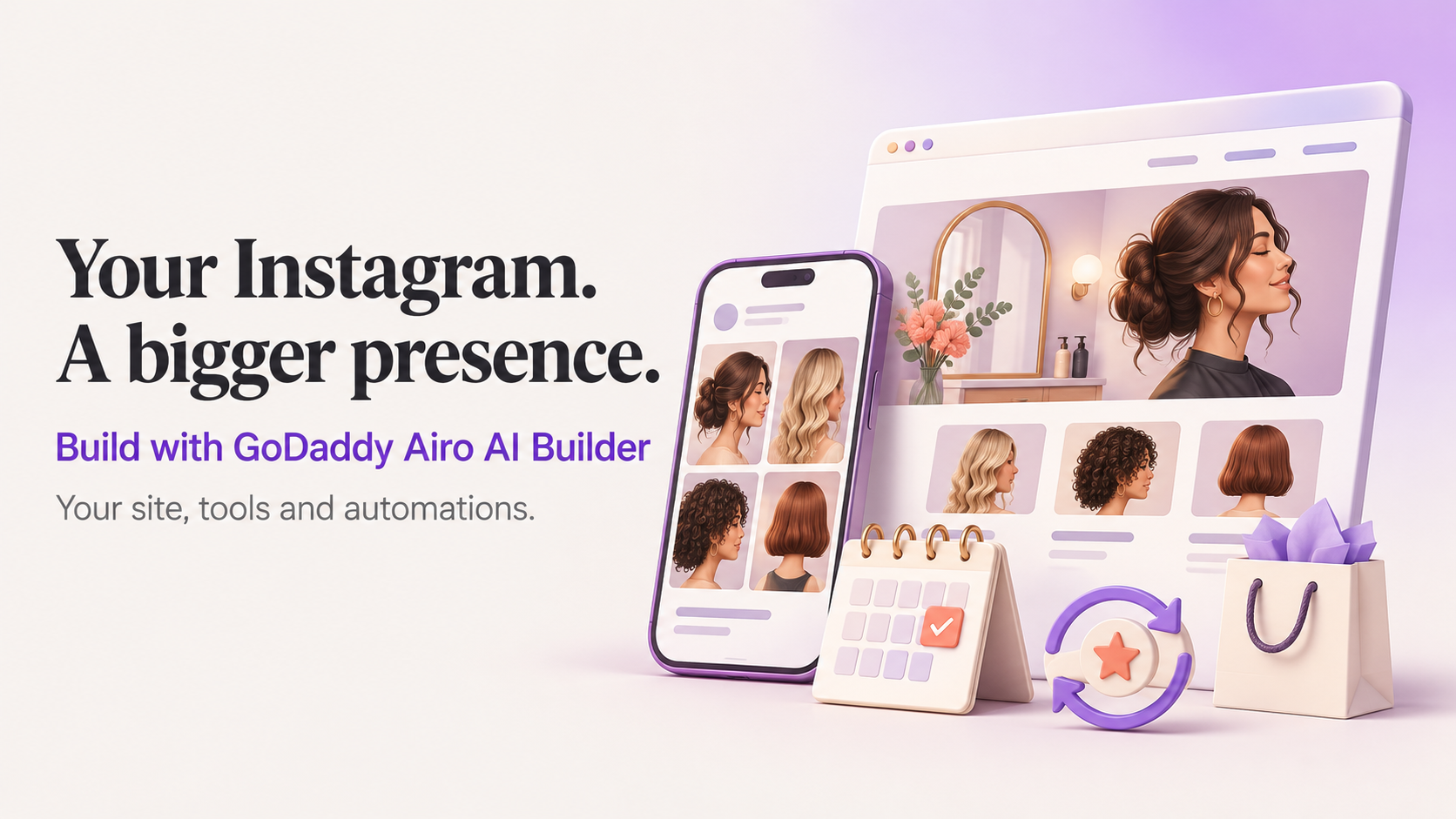
From Instagram page to full online presence with Airo AI Builder
Your business might already have a home on Instagram. People recognise your work, recommend you to friends and message you to ask about prices. As interest grows, the same questions keep coming: Where are you based? What does that service include? How do I book?
A website gives those conversations somewhere to go. With GoDaddy Airo AI Builder, you can build a site in your own words, connect the tools you already use and set up recurring work to help look after it. People can discover your work on Instagram, then visit your site to book or buy.
Give customers somewhere to take the next step
Say you run a salon. Your Instagram page shows the cuts and colours people love, but the practical details are scattered across captions, highlights and messages. Someone finds a style they like, then has to ask which service to choose, what it costs and when you are available.
Those are useful starting points for your site. Tell Airo AI Builder about your services, prices, location and how you want people to book. It can add appointment booking so visitors can choose an available time and receive a confirmation. You manage services, availability and bookings from the builder. Customers book online and pay at their appointment.
If your salon also sells haircare products, you might want a shop with product details, delivery information and returns policies. Airo AI Builder can build a catalogue, cart and checkout. In the US and Canada, you can connect GoDaddy Payments inside the builder to accept orders on your published site.
You can start with whichever part your customers need most, then add more as the business grows.
Bring your existing presence into the build
People who follow your salon already know something about its style. You can carry that into your website by describing the look, tone and details that matter to you in chat. Refine the first version until it feels like your business.
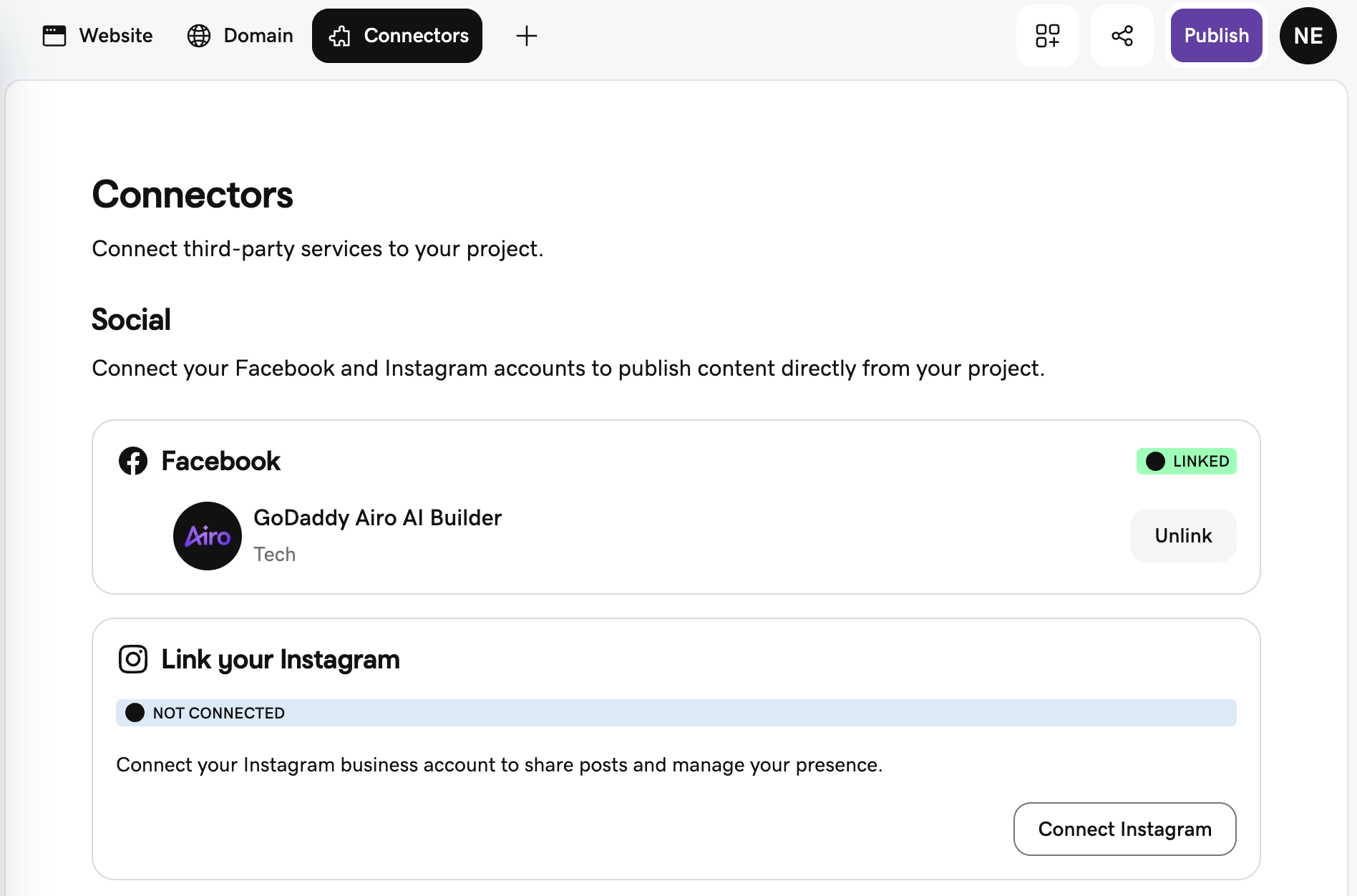
Connectors help bring the tools and account information you already use into that work. You can connect Instagram from the Connectors tab or ask in chat to connect your account, so the builder can use the information your account makes available. You can also ask Airo AI Builder to display your Instagram feed on the site.
That could put examples of your salon's work beside the service menu, with a profile link for visitors who want to see more. Someone arriving from Instagram can find booking details; someone arriving at your website can get a feel for your work.
As you build out the site, other connections may be useful too. Google Business Profile can bring business information into the work. If you already manage an email audience in Mailchimp, connecting it lets you work with that audience and campaign context in the builder. Each connector supports particular information and actions, so choose the ones that fit how you run your business.
Read more about connectors in Airo AI Builder.
Give your next promotion somewhere to land
Once the site is live, a new service or seasonal offer gives you something to share. For the salon, that might be a new treatment: an Instagram post introduces it, while a page on your site explains what it includes and how to book.
Marketing Campaigns can help turn that offer into a plan, a dedicated landing page and optional supporting blog posts. The content starts as drafts for you to review. You can check the details before launch, then point your Instagram announcement to a page with the full offer and a clear next step.
See how marketing campaigns work.
Make room for the work that repeats
Between appointments and running the salon, it is easy for site upkeep to slip down the list. A change in opening hours is something you can make in chat or by editing the text directly. Other jobs are worth returning to regularly.
Automations let you schedule SEO and AI visibility reviews weekly or monthly, so you can revisit how your site is set up for search and AI-driven discovery. There are also pre-built security and accessibility reviews, and you can save prompts for recurring site work.
You review the findings and decide which changes to make. That gives you a routine to return to as you add services, products or promotions. Automation runs use AI credits. If the balance runs out, scheduled work pauses until you add credits or upgrade.
FAQs about growing your Instagram business online
Can I keep using Instagram after launching my website?
Yes. Keep sharing your work on Instagram and link your bio to your website, where people can find service details, book or shop. You can also display your Instagram feed on the site so visitors can see examples of your work.
How do I connect Instagram to Airo AI Builder?
Open the Connectors tab and choose Instagram, or ask in chat to connect your account. Once connected, you can use the information your account makes available while building and ask for your Instagram feed to appear on a page.
What is the difference between connectors and automations?
Connectors let Airo AI Builder work with supported information and actions from services you use, such as Instagram or Mailchimp. Automations run recurring jobs, such as scheduled SEO and AI visibility reviews. Automation runs use credits and pause if your balance runs out.
Can customers book appointments or buy products on my site?
Yes. Airo AI Builder can add appointment booking or a product shop to your site. Appointment customers book online and pay at their appointment. For product orders, businesses in the US and Canada can connect GoDaddy Payments. Publishing your site requires a paid plan.
Can I try building a website before choosing a paid plan?
Yes. You can sign up without a credit card and get 50 free AI credits per month to build. Previews of an already-generated site and direct text or image edits in Edit mode do not use credits. A paid plan is required to publish on your own domain.
Start with the question you answer most often
Think about the last few messages your business received on Instagram. What did people need before they could book, buy or get in touch? Give that information a place on your site, then build from there.