
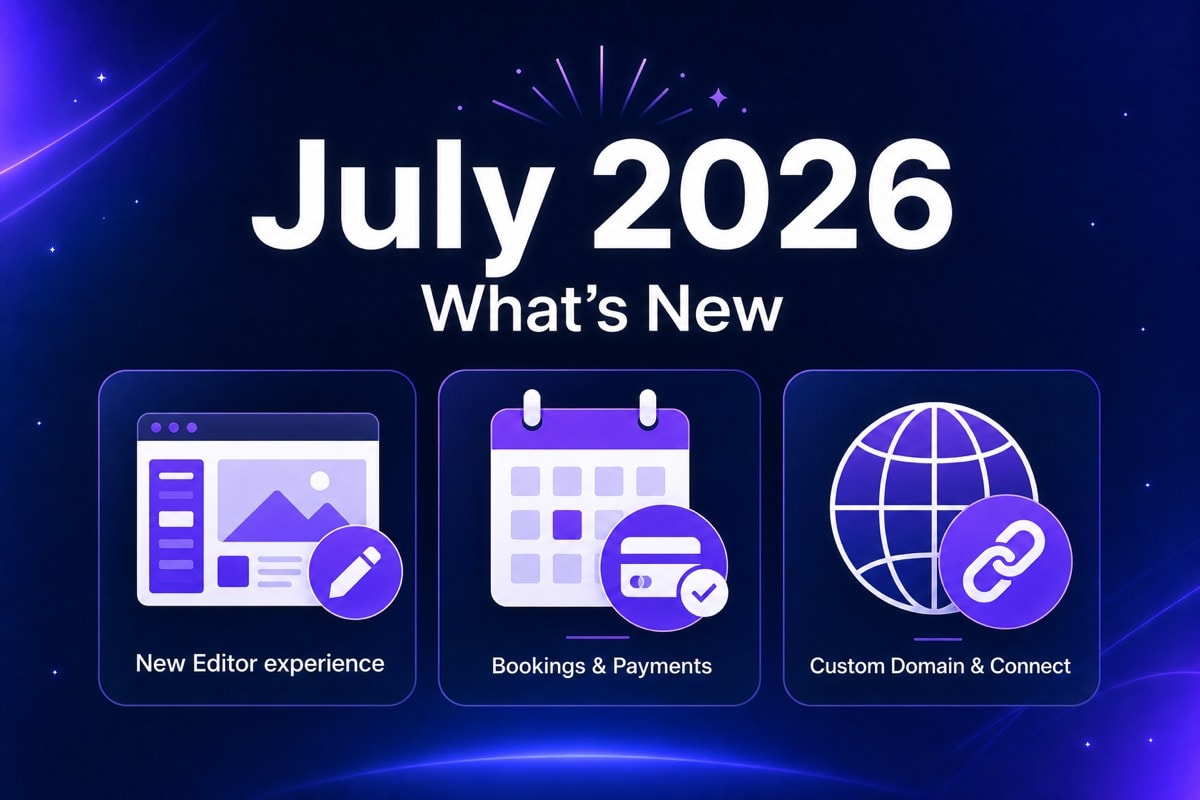
July was a big month for Airo AI Builder, and we are celebrating it with you.
This update is about what you asked for most: build smoothly on mobile and desktop, get paid when someone books, and go live on your own domain without the old detours. We shipped a smoother editor, bookings that take payment, and a faster path to your real domain on first publish. Inbox, email activation, collaborator sharing, and a pile of other cool updates came along for the ride.
These changes matter because they cut the busywork between "I have an idea" and "my business is live and making money." Less waiting. Fewer workarounds. More time on the work that grows your business.
Continue building on Airo AI Builder
And if something still slows you down, or you have a feature you wish existed tomorrow: join the Airo AI Builder Discord. Share feedback. Submit feature requests. The community is where we listen and ship what comes next.
TL;DR
Here is what July unlocked, and why it matters for you:
- A smoother editor. Chat and preview work together so you stay in flow. Quick fixes live in Edit mode. Canvas views for website, brand, domain, and inbox. Desktop and mobile feel like one product.
- Build faster: mobile, voice, and messaging queue. Prompt from your phone, queue your next instructions while Airo works, and describe your site out loud with voice input. No waiting for one task to finish before you start the next.
- Bookings that take payment. Customers book and pay in one path. You run schedules and staff without bolting on extra tools, and confirmation emails go out automatically.
- Your real domain, sooner. Connect your domain on first publish. Skip the temp URL detour. Cloudflare and cross-account GoDaddy domains connect in a few clicks, with no DNS copy-paste.
- Logo and favicon generation. Generate a logo from a prompt and let Airo create a matching favicon automatically. Your site and browser tab look like they belong to the same brand.
1. A Smoother Editor
You are mid-build. You need to see the preview and keep talking to the builder. When chat and preview fight for space, you lose momentum. On mobile, that friction multiplies. July's editor upgrade is a celebration of flow: describe, see, adjust, publish, without wrestling the workspace.
What you get
A new editor experience where chat and preview work together. Move chat out of the way when you need to see your site. Jump straight into Edit mode for quick fixes. Same flow on mobile, with less scrolling and less friction.
You also get canvas views for websites, brand, domain, and inbox, plus a larger chat panel so the next action is easier to find.
You spend less time managing the screen and more time shipping the site or app. Small polish happens in Edit mode. Bigger changes stay in chat. Desktop and mobile feel like one product.
How to try it
- Open any site or app in Airo AI Builder.
- Dock or move the chat panel so preview and conversation fit your screen.
- Use canvas views for website, brand, domain, or inbox work.
- Use Edit mode for small text and image fixes. Use chat for bigger changes.
2. Build Faster: Mobile, Voice, and Messaging Queue
You should not have to wait for one task to finish before you start the next. July adds more ways to keep momentum while Airo AI Builder works.
Improved mobile experience
We made it easier to build from your phone. Prompt, preview, and publish from a layout built for smaller screens, with less scrolling and less friction when you are away from your desk.
Stack instructions while Airo works
Queue your next prompts while the builder is still running. Add a homepage ribbon, pull in testimonials, or start a blog with posts, without losing your place in the conversation.

Voice input
Say what you want. Literally. Describe your site or app out loud and Airo AI Builder builds from your voice in real time.

3. Bookings That Take Payment
A booking page that cannot take payment is only half a business. July turns appointments into a path that can earn: customers book, they pay, you get the confirmation. That is the outcome we were aiming for.
What you get
Appointments handle schedules, staff, payments, and notifications in one place. Confirmation emails send automatically. GoDaddy Payments works across booking types. Stripe, coupons, and add-ons are live where those options apply.
Service businesses, coaches, salons, consultants, and anyone who sells time can take the next booking without a separate checkout tool or a "pay me later" email. Less admin. Faster time to revenue.
4. Connect Your Domain, Easier
Your brand lives on your domain. Publishing to a temporary URL first, then reconnecting later, can be a redundant loop for some businesses. Connect the domain you already own when you publish, not as a chore after.
What you get
Connect your domain the first time you publish. Skip the temp URL step. If your domain is on Cloudflare, or under another GoDaddy account, connect it in a few clicks with no DNS copy-paste. Live connection status shows while things propagate, so you are not left guessing.
You look professional sooner. No more copying DNS records for Cloudflare or cross-account GoDaddy domains. Publish and own the URL your customers will actually type.
5. Logo and Favicon Generation
Your brand should look finished before you publish. Generate a logo from a simple prompt, then let Airo AI Builder create a favicon so your site stands out in a sea of open tabs.
Describe your business. Pick a direction. Your site and browser tab look like they belong to the same brand.

6. More features from July
- Inbox with every new app. Customer messages land where you already work. No separate inbox setup.
- Activate GoDaddy email in the builder. Turn on professional email after publish without leaving the product (You need an email plan and an owned domain).
- Share access and transfer. Collaborate with a teammate or hand off an app without awkward workarounds.
- Open to edit, no refresh wait. Come back to edit and start immediately. The old refresh screen is gone.
- First-publish celebration. Going live feels like a win, and the next step (your domain) is clear.
- More file types. Drop in PDFs and spreadsheets so the builder starts from what you already have.
- Smoother publish on mobile. Easier to hit Publish and find the right site by name, not a cryptic ID.
Celebrate With Us, Then Tell Us What Is Next
July is a milestone. Try the new editor. Use voice input or queue your next prompts while Airo works. Take a booking with payment. Generate a logo and favicon. Publish on your real domain. Then come tell us how it felt.
We build Airo AI Builder with builders like you. The best feature ideas and the sharpest feedback show up in the community first.
Join the Airo AI Builder Discord to:
- Share what you love about July
- Flag anything that still gets in your way
- Submit feature requests for what you want us to ship next
Your voice shapes the roadmap. We are listening.
Start Building
Open an existing build and feel the new editor. Try voice input or queue your next prompts while Airo works. Add a booking flow that takes payment. Generate a logo and favicon. Publish on your domain the first time.
Join Discord: feedback and feature requests
Frequently Asked Questions
What is new in Airo AI Builder for July 2026?
July ships five big updates: a smoother editor so chat and preview work together; mobile, voice, and messaging queue improvements so you can build faster without waiting; bookings that take payment with schedules and confirmation emails; logo and favicon generation so your brand looks finished before you publish; and connecting your real domain on first publish (including Cloudflare and cross-account GoDaddy connects without DNS copy-paste). Inbox, email activation, share access, and more polish also shipped.
Why do these changes matter?
They remove friction at the moments that matter most: staying in flow while you build, getting paid when someone books, and going live on the domain you already own. Less busywork, more business.
Where can I share feedback or request a feature?
Join the Airo AI Builder Discord. Share feedback, submit feature requests, and talk with other builders. We use that input to decide what to ship next.
Can customers pay when they book?
Yes. Appointments support payments in the booking flow, including GoDaddy Payments across booking types. Stripe, coupons, and add-ons are available where those options apply. Confirmation emails send automatically.
Can I connect my domain on first publish?
Yes. Connect your domain when you publish the first time instead of using a temporary URL first. Cloudflare domains and domains under another GoDaddy account connect in a few clicks without DNS copy-paste. More registrars are in progress.
Do I need a paid plan for the July updates?
Most July updates are available on free and paid plans where the feature applies. Payment setup, email credits, and plan limits still follow existing product rules. New builders get 50 free AI credits to start.