
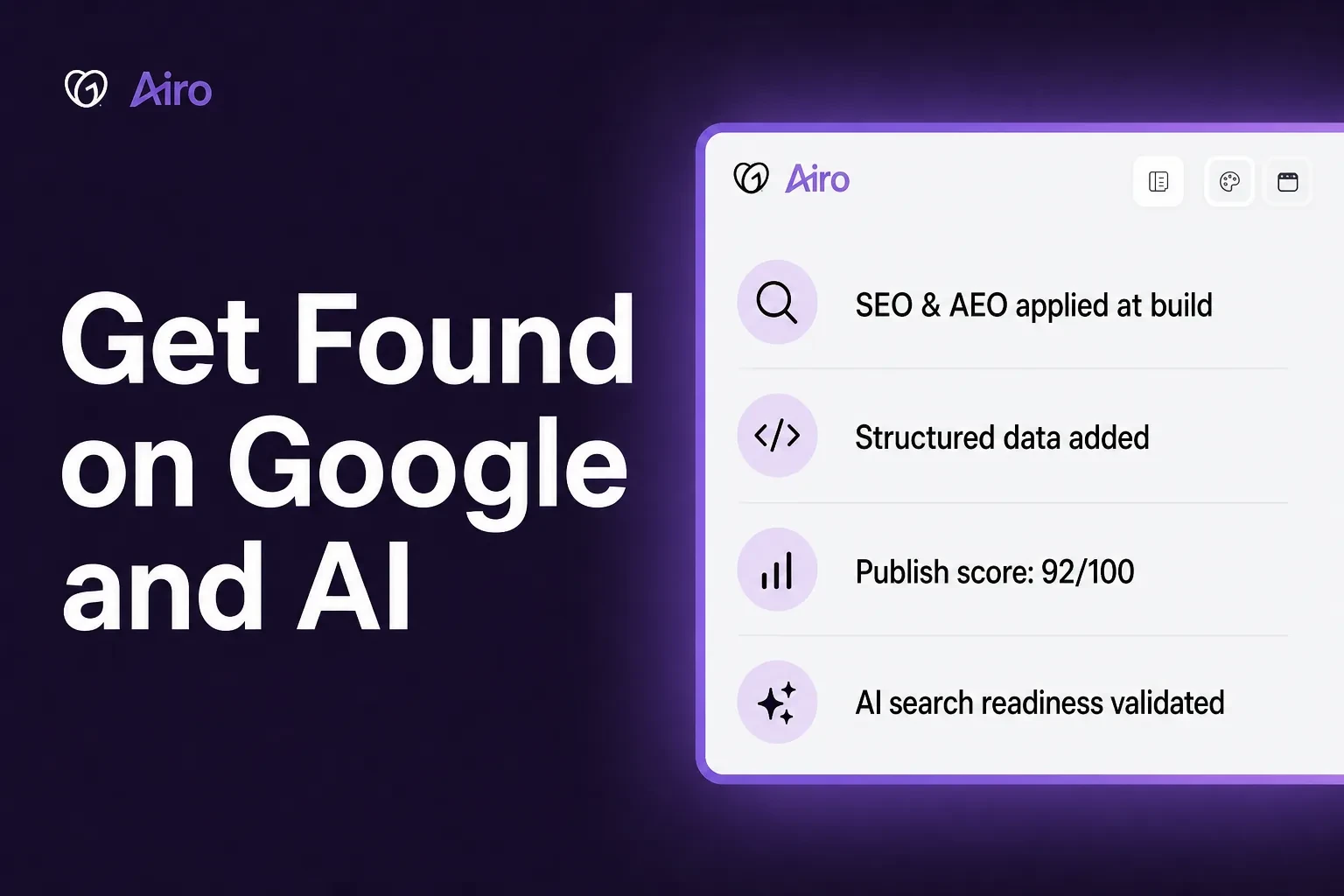
You built a website. It looks great. But when someone searches for your business on Google, or asks an AI assistant for a recommendation in your category, your site doesn't show up.
Airo AI Builder now helps you get found in more places — not just traditional search results. SEO and AEO (Answer Engine Optimization) are built in when your site is created. Every publish validates that your pages are still search-ready and AI-ready. And if you want to go deeper, you can ask the SEO Skill to optimize your whole site in plain language.
Here's what changed. No plugins. No technical setup. No hunting through settings.
What do SEO and AEO mean?
SEO is how people find you on Google and other search engines. It's the page title, description, and business details that show up when someone searches for what you offer.
AEO (Answer Engine Optimization) is how AI tools understand your business. When someone asks ChatGPT, Google AI Overviews, or another AI assistant for a recommendation in your category, AEO is what helps your site be part of that answer.
In plain terms, Airo AI Builder handles both from the start. Your site is set up to be found on Google and understood by AI before you do anything extra.
SEO and AEO built in from day one
When Airo AI Builder creates your site, it already adds:
- A page title and description for Google (the name and short blurb people see in search results)
- Clear headings on each page so search engines and AI tools know what the page is about
- Structured data (business name, type, location, hours, and contact info formatted so Google and AI can read it)
- Link previews for social media, so when you share your site on LinkedIn, iMessage, or Slack, people see your business name, a description, and an image instead of a bare URL
- Image descriptions (alt text) so search engines and AI understand your photos
- A sitemap so Google can find your About, Services, and Contact pages — not just your homepage
No setup required. You don't install anything. You don't run a separate setup step. You don't need to know what "structured data" means. When the AI builds your site, the search, sharing, and AI-readiness basics are already there. Your site is ready to be found from the moment it goes live.
New pages get it too
Add a new page to your site? Each new page is checked and set up for search and AI without you asking. You don't have to remember to optimize every page as your site grows. Structured data and AI search readiness are applied automatically.
Validation on every publish
Editing your site can accidentally break SEO or AEO. Maybe a new page is missing a description. Maybe structured data got removed. You might not notice for weeks.
Airo AI Builder runs checks every time you publish, including structured data validation, AI readiness checks, and SEO quality monitoring.
At publish, your site is validated for:
- Structured data across all pages
- AI search readiness (can AI tools read and understand your content?)
- Traditional SEO elements (titles, descriptions, social tags, and more)
Your first publish gives you a starting score from 0 to 100, based on what's in place. Every publish after that is compared to your last version.
If your score drops by 10 points or more, or new issues show up on any page, you'll see an alert in the builder right after you publish. The check runs in the background — it won't stop you from publishing. And the alert includes a "Run SEO Scan" button so you can fix problems in one step.
The SEO Skill: when you want to go deeper
The built-in SEO, AEO, and publish checks handle the basics. The Airo AI Builder SEO Skill goes further when you want advice specific to your business.
Just type what you need:
- "Analyze SEO for my app"
- "Optimize my SEO"
- "Optimize my site for AEO"
- "Get my site found on Google"
- "Do an SEO audit on my site"
The skill reads your whole site, understands what kind of business you run, and makes the changes for you. You don't get a to-do list to work through on your own.
Generic advice vs. advice for your business
| What most SEO tools say | What the Airo AI Builder SEO Skill does |
|---|---|
| "Add an FAQ section" | "Add an FAQ about sustainable sourcing, since your customers search for that" |
| "Include more keywords" | "Use 'farm-to-table Austin' on your homepage to capture local searches" |
| "Add meta descriptions" | "Highlight your 24-hour delivery guarantee in your page descriptions" |
The skill works with how your site is already built. It doesn't force in new tools or create a mess you have to clean up later.
It updates every page on your site:
- Unique titles and descriptions for each page
- The right tags so Google knows which page is the main version
- Social sharing previews for every page
- Structured data formatted so Google and AI can read your business details
- Better image descriptions
- An updated sitemap so new pages get discovered
Already built a site before this update? Run the SEO Skill on what's live. It works the same way on existing projects.
Watch Airo AI Builder optimize a site automatically in this demo:
Four things working for you automatically
| What | When | What it does for you |
|---|---|---|
| SEO & AEO at create | When your site is built | Titles, descriptions, structured data, social previews, and sitemap are already in place |
| Search & AI setup on new pages | When you add a page | Structured data and AI search readiness applied automatically |
| Publish validation | Every time you publish | Validates structured data, AI readiness, and SEO across all pages; alerts you if quality drops |
| SEO Skill | When you ask for it | Full-site optimization tailored to your business |
You don't pick one. New sites get the first two automatically. Every publish gets the third. The fourth is there when you want more or need to fix an older site.
Who is this for?
If you run a small business, you probably don't have time to learn technical SEO or how AI search works. That's the point.
Local businesses (restaurants, salons, plumbers) get location and hours set up so nearby customers can find you on Google and in AI-powered search.
Online stores get product pages set up so shoppers and AI tools can understand what you sell.
B2B businesses get pages tuned to the searches and questions people ask before they choose a vendor.
And if you edit your site after launch, publish validation catches problems before they go unnoticed.
Frequently asked questions
Do I need to turn on SEO or AEO when I build a site?
No. Both are included automatically when Airo AI Builder creates your site.
What is AEO?
AEO (Answer Engine Optimization) helps AI tools like ChatGPT and Google AI Overviews understand your business. It uses the same structured data and clear page content that powers traditional SEO, set up so AI can read your site accurately.
What happens when I add a new page?
Structured data and AI search readiness are applied automatically. You don't need to run a separate optimization step.
What does the publish check look at?
It validates structured data and AI readiness across all pages, plus traditional SEO: page titles, descriptions, social sharing tags, and more. It also scores your site from 0 to 100 and compares each publish to the last.
When will I see an alert?
After you publish, if your score drops by 10 points or more compared to your last publish, or if new issues appear on any page. Your first publish sets the starting score.
Will the check stop me from publishing?
No. It runs in the background and doesn't block you from going live.
What do I do if I get an alert?
Tap on the "Run SEO Scan" alert. That starts the SEO Skill to find and fix the issues.
Does the SEO Skill only fix the homepage?
No. It reads and updates every page on your site.
What is structured data?
It's the behind-the-scenes business info on your site (name, type, location, hours) that helps Google and AI tools understand what you do. When it's set up right, your listing can show extra details in search results.
How is this different from other SEO tools?
Most tools give you a checklist and leave the work to you. Airo AI Builder builds SEO and AEO into new sites, validates both on every publish, and makes fixes for you when you run the SEO Skill.
How can I try it?
Airo AI Builder offers 50 free credits to get started. Build a new site to see SEO and AEO built in from the start, or say "analyze SEO for my app" on a site you've already made.
Key takeaways
- SEO, AEO, publish validation, and quality monitoring are built into Airo AI Builder automatically
- New pages get structured data and AI search readiness without you asking
- Every publish validates structured data and AI readiness across all pages, with a score compared to your last version — a big drop or new issues triggers a "Run SEO Scan" alert
- The SEO Skill goes deeper when you ask for it — use it on older sites or when you want recommendations specific to your business
Your site should be findable in more places
You shouldn't need an SEO degree to get customers online. Airo AI Builder is designed to help you show up on Google, in AI-powered search, and when people share your link.
- Start building with Airo AI Builder — 50 free credits
- Join the community on Discord to see how other builders are using it