Everything New in Airo AI Builder: May 2026 | Full Changelog
TL;DR
- Quick Edit lets you change text and colors directly on your site without using credits
- Mobile editing now available with tap-to-edit functionality
- Getty Images integrated directly into image search
- SEO built in: your sites now render on the server, with automatic sitemap and robots.txt
- Logo generation shipped as a new starting point in Airo AI Builder
- Calendar sync connects your Google, Outlook, or iCloud calendar for scheduling
- 12 new brand kits for cohesive, modern styling
- Site sharing via view-only links before you publish
Quick Edit: Change Your Site Without Spending Credits
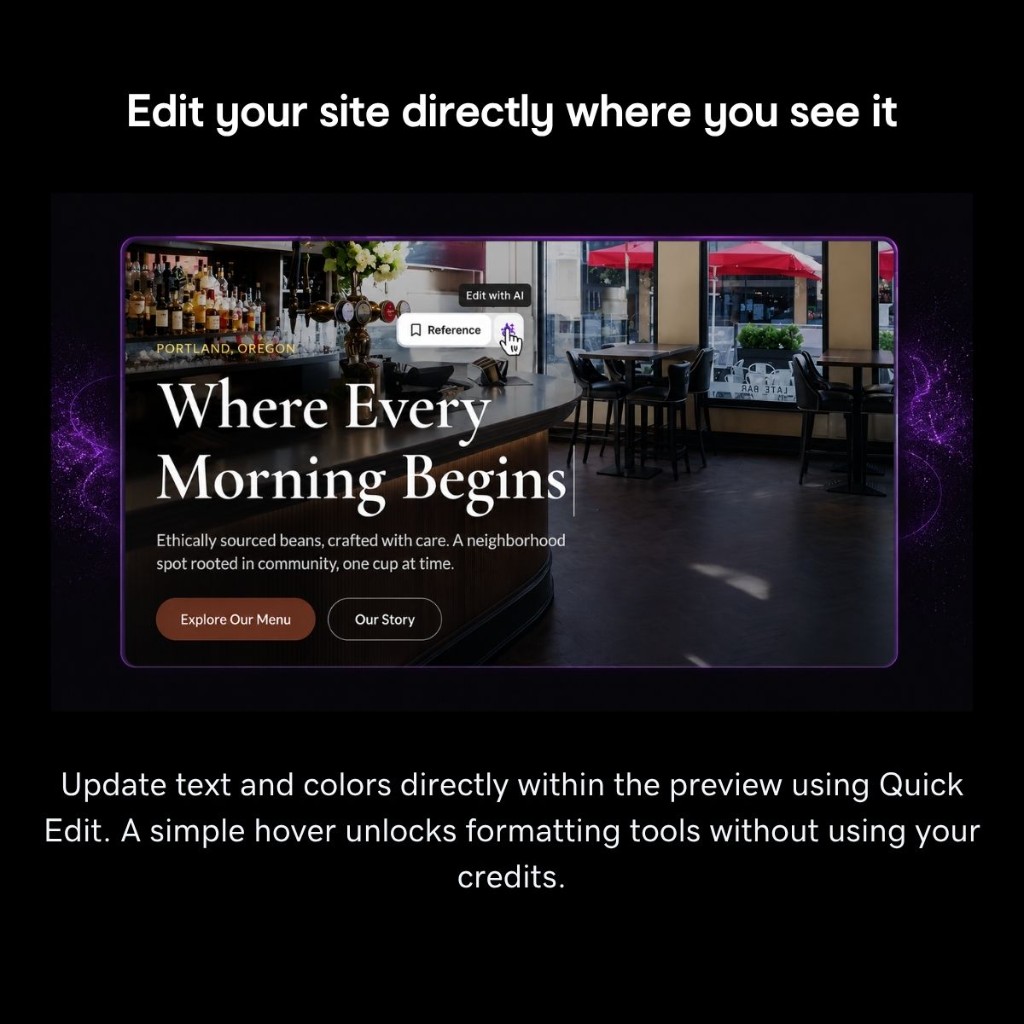
The most requested feature this month: edit your site directly in the preview without using AI credits.
Hover over any element to see a toolbar with Quick Edit options. Change text, adjust colors, and toggle bold or italic styling right where you see it. No prompts, no credits consumed, no waiting for the agent.
For bigger changes, use the Reference button to send that element to chat and let the AI handle complex edits.
Mobile Editing
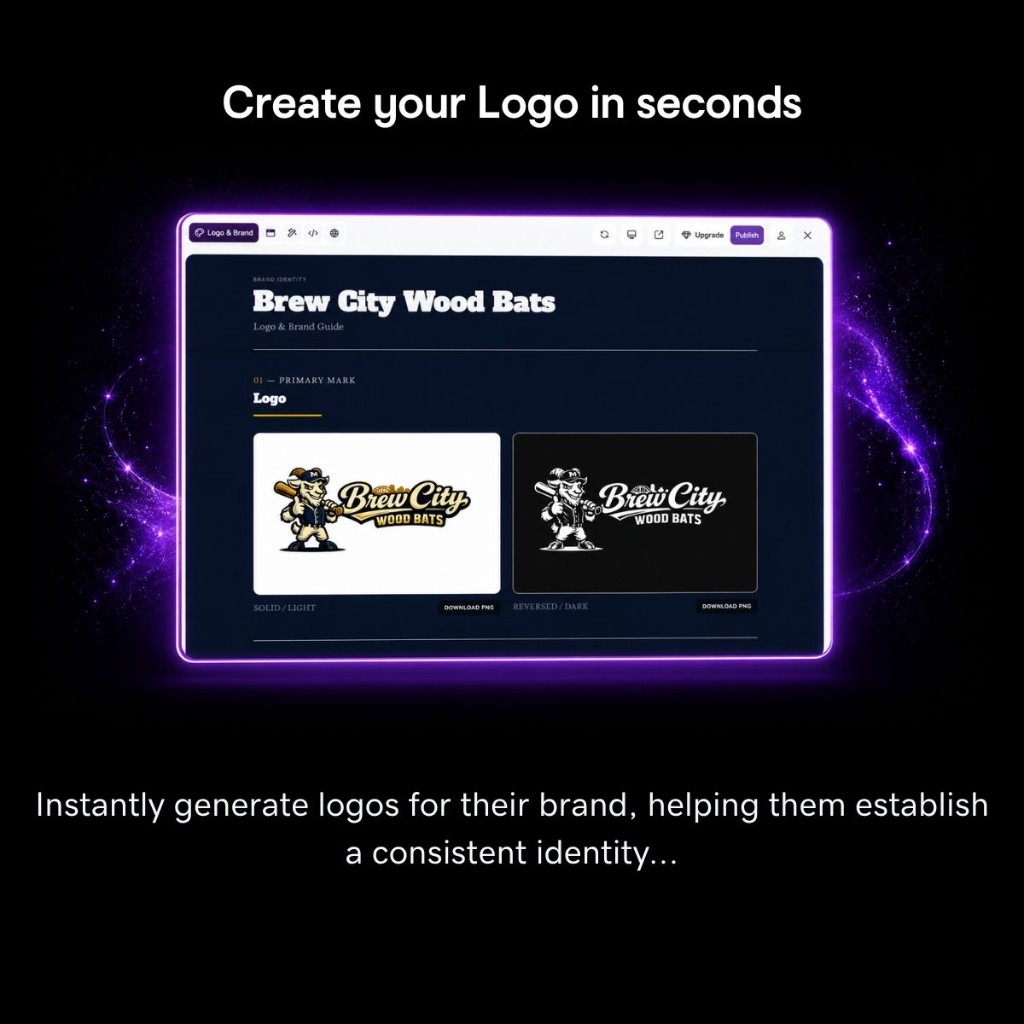
Quick Edit now works on mobile. A wand button in the chat toolbar toggles inline edit mode. Tap any element to open its toolbar, which repositions automatically to stay visible at screen edges.
No extra clicks required. Tap, edit, done.
Instant Feedback After Your First Build
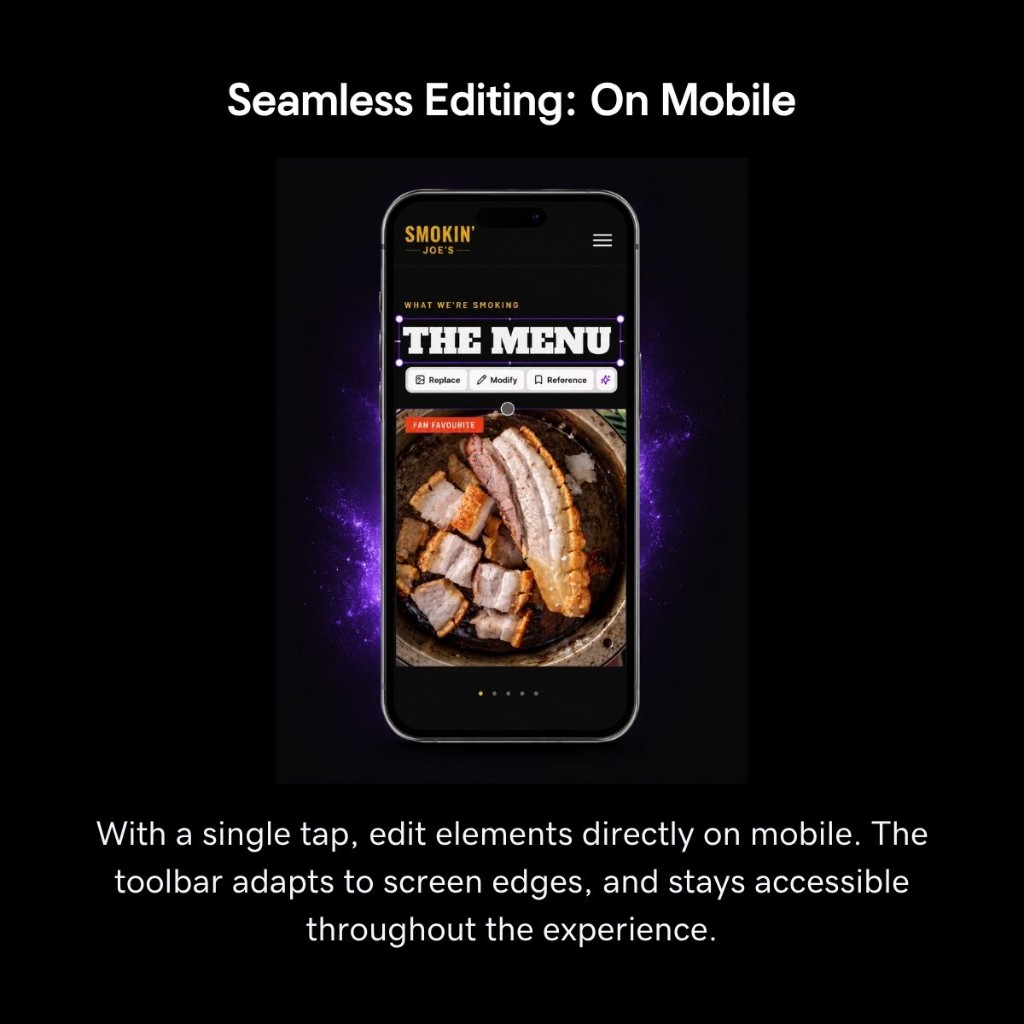
Right after Airo AI Builder finishes your initial site, you can give a quick thumbs-up or thumbs-down. This helps us learn which builds delight you and which need work.
Simple feedback, better results over time.
Getty Images in Search
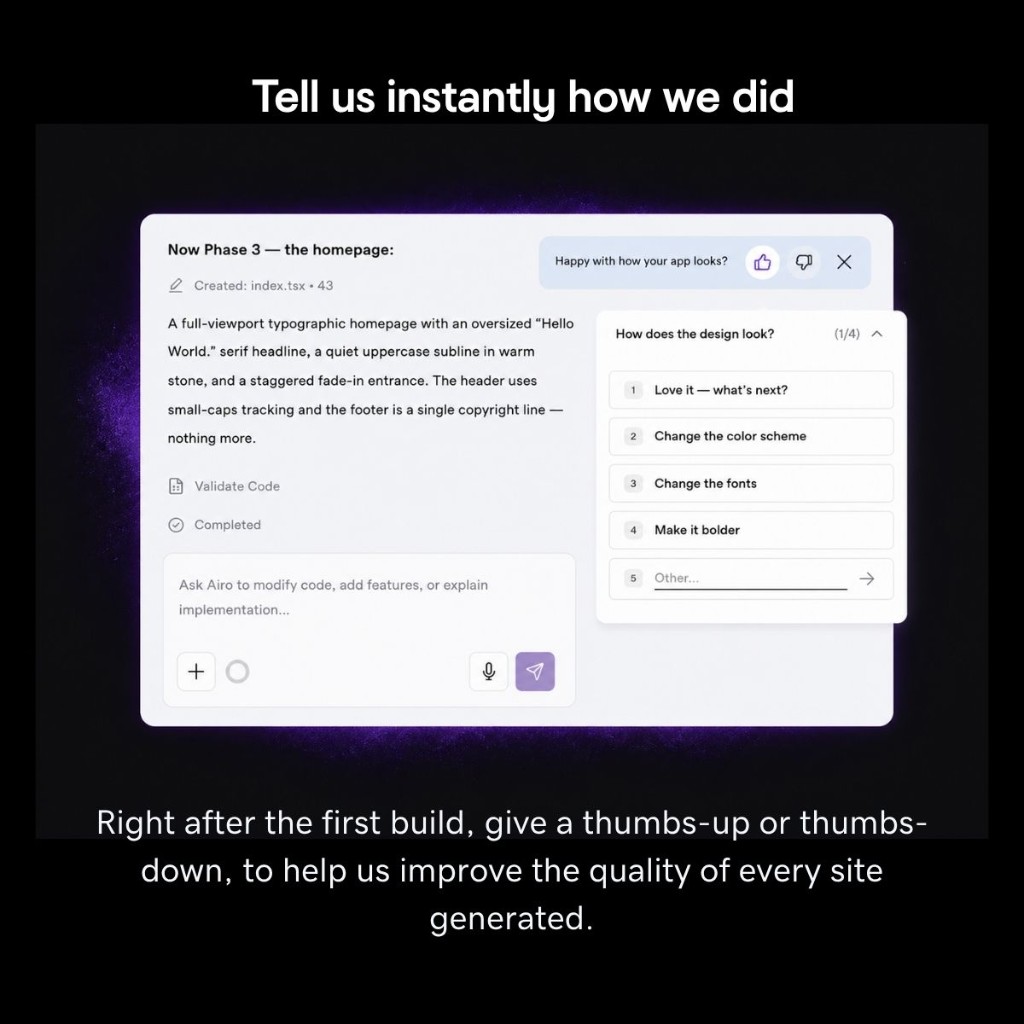
Image search now includes Getty Images alongside existing sources. When you open the image picker, the search bar auto-populates based on your content and returns relevant Getty results immediately.
Use View More to expand past the default three results. Professional, licensed visuals without leaving the builder.
Your Site Now Shows Up in Google
Sites built with Airo AI Builder now render on the server, so Google, Bing, and social previews see real content instead of a blank page.
Every published site also gets automatic /sitemap.xml and /robots.txt files. Page titles and descriptions are set in one well-known file the agent can edit reliably.
If your customers find you through search, this is a significant upgrade. For a deeper look at how SEO works in Airo AI Builder, read Your Website Is Live. But Is It Getting Found?.
Start with Your Logo
Logo generation is now a dedicated starting point in Airo AI Builder. Generate logos instantly for your brand, download them in light and dark versions, and establish a consistent identity from day one.
Your logo feeds into the rest of your site’s brand system automatically.
Connect Your Calendar
The new Bring Your Own Calendar feature lets you connect Google Calendar, Outlook, or iCloud directly to your site. Scheduling features integrate into your app without third-party tools.
Availability is read in real time, confirmed appointments sync back automatically, and cancellations update instantly.
12 New Brand Kits
Twelve new brand kits are now available, designed to elevate any site with cohesive, modern styling. These kits automatically apply to your site based on what you’re building.
From bold and energetic to minimal and professional, there’s a kit for every brand personality.

Never Miss a Clarifying Question
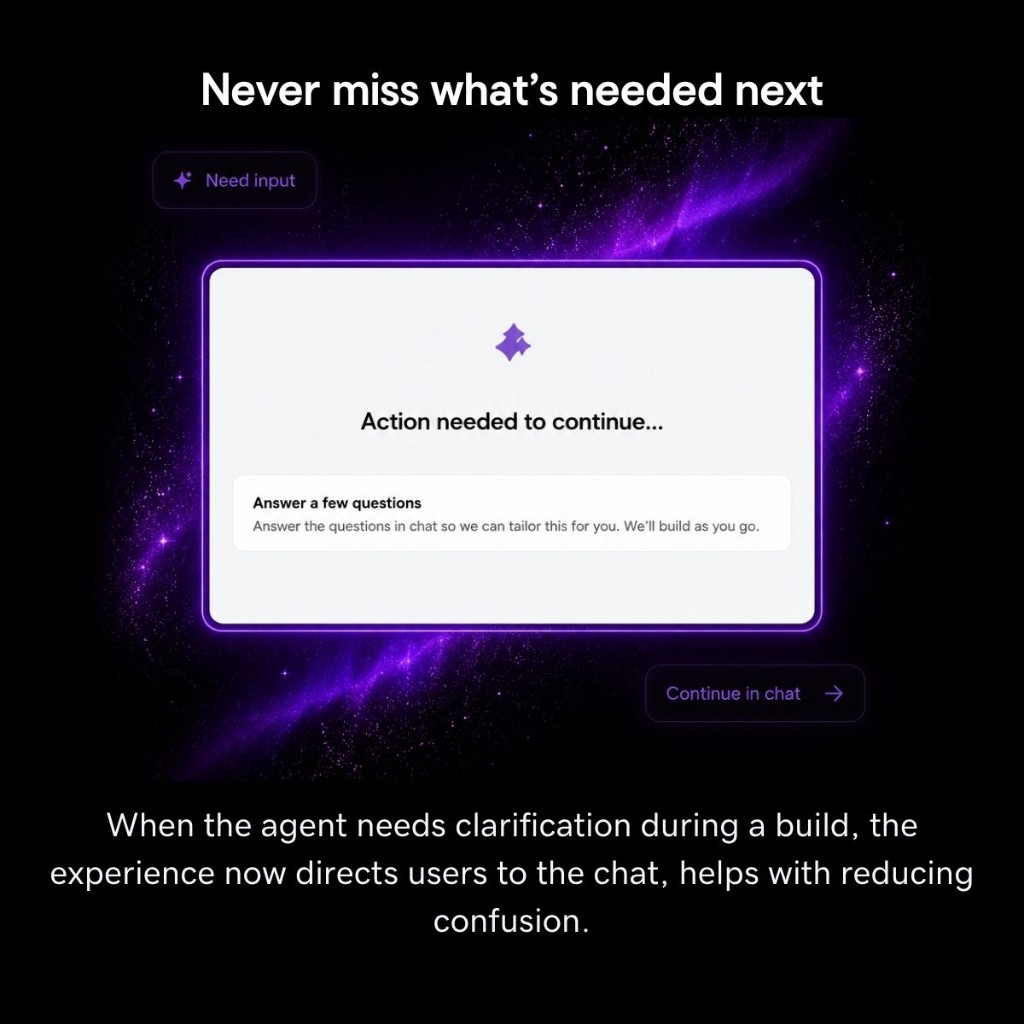
When the agent needs more information during your initial build, the overlay now tells you to check the chat instead of showing generic tips. You’ll know exactly when your input is needed.
Share Your Site Before Publishing
Generate a view-only link to share your in-progress site with anyone. Recipients land directly in the preview without needing an account.
Useful for getting feedback from clients or collaborators before you go live.
Domain Management Gets Its Own Tab
Domain is now a first-class view in the header on desktop, alongside Preview, Edit, Code, and Brand. No more digging through Settings to find it.
On mobile, Domain appears as the second entry in the Settings menu. The domain-attach and transfer flow for external domains is now available for all customers. If you have more than one domain, the agent can also walk you through forwarding one domain to another.
New Skills: Payments, Live Chat, Compliance, and More
New capabilities you can add to your site this month:
- Stripe payments for accepting payments and managing checkout
- Live chat widget for real-time customer conversations
- Compliance docs for terms of service, privacy policies, and legal pages
- Online conferencing links for virtual meetings
Ask the agent to add any of these to your site.
Smarter Site Rebuilds
Rebuilding your site from an existing URL now preserves more of what made the original work. The rebuild analyzes your current site’s structure, detects patterns and forms, and carries them into the new build. If you’re migrating from another platform, less gets lost in translation.
Undo and Restore with Full History
The new restore flow shows your version history with color swatches beside hex values. Git-backed versioning means you can roll back to any previous state of your site.
More Fixes You’ll Notice
- Commerce checkout now displays Order IDs correctly on the success page and pre-fills customer info from your GoDaddy account
- Version history timestamps now respect your locale instead of always showing UTC
- Paywall opens without the first-paint stutter and closes properly after a successful renewal
- Marketing attribution survives the login redirect, so your traffic source stays tracked correctly
Bug Fixes and Stability
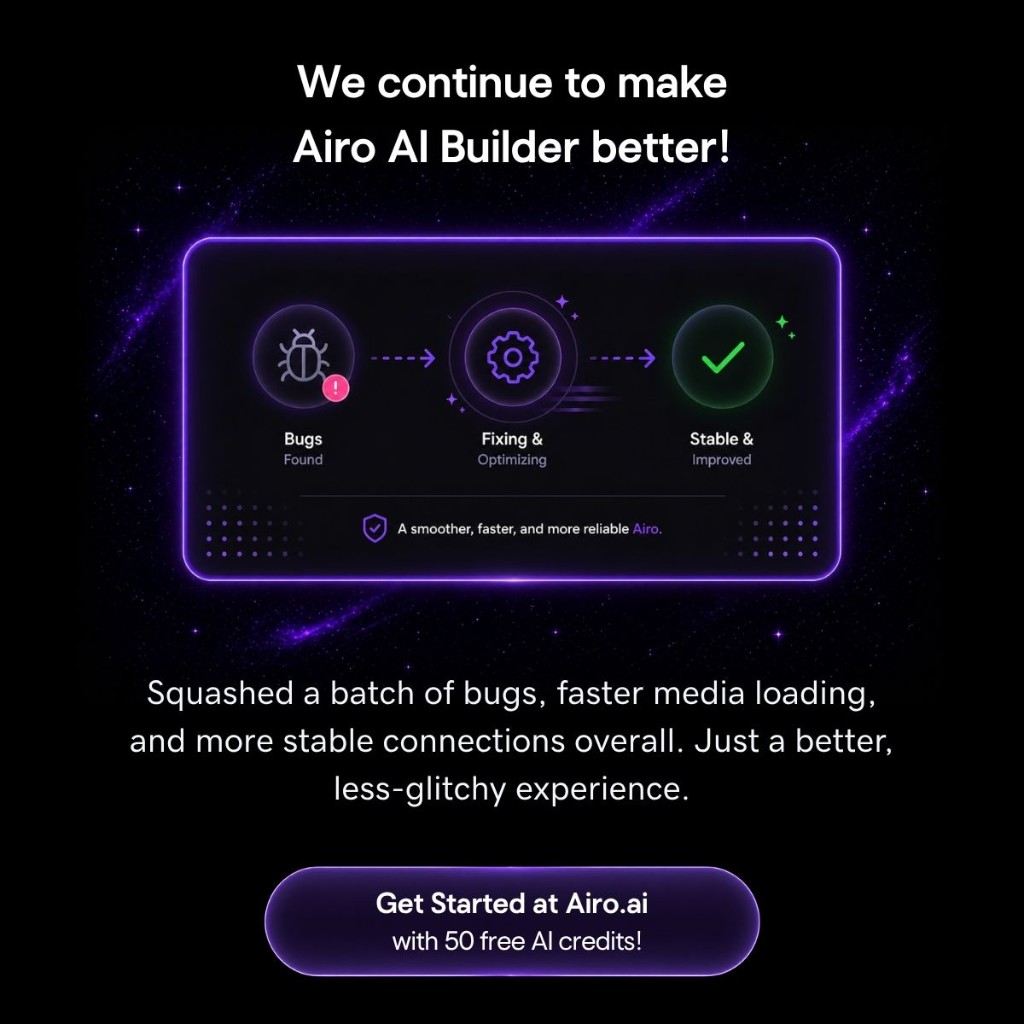
Squashed a batch of bugs, faster media loading, and more stable connections overall. A smoother, less glitchy experience.
Try It Yourself
Describe your idea in a few sentences and Airo AI Builder generates a fully working app: layout, copy, images, database, and all. Edit anything with conversation or Quick Edit, publish when you’re ready.
Catch up on previous updates: March 2026 | April 2026
Frequently Asked Questions
What is Quick Edit in Airo AI Builder? Quick Edit lets you change text and colors directly on your site preview without using AI credits. Hover over any element on desktop or tap on mobile to access the editing toolbar.
Does Quick Edit use my AI credits? No. Quick Edit changes are made directly to your site without going through the AI agent, so no credits are consumed.
How do I get my Airo AI Builder site to show up on Google? Sites built with Airo AI Builder now render on the server automatically. Published sites include a sitemap.xml and robots.txt file so search engines can index your content.
Can I connect my existing calendar to my Airo AI Builder site? Yes. The Bring Your Own Calendar feature supports Google Calendar, Outlook, and iCloud. Your availability syncs in real time and confirmed appointments write back to your calendar automatically.
What are brand kits in Airo AI Builder? Brand kits are pre-designed styling systems that apply cohesive colors, fonts, and visual treatments to your site. Airo AI Builder now includes 12 new brand kits that are auto-selected based on your project.
How do I share my site before publishing? Generate a view-only link from your project. Recipients can preview your site without needing an Airo AI Builder account.
Can I accept payments on my Airo AI Builder site? Yes. Ask the agent to add Stripe payments and it will set up checkout for you. Order IDs display correctly on the success page and customer info pre-fills from your GoDaddy account.